AI & Automation
Meta Muse for Small Business: Connectors, Approval Controls, Pricing and What It Can Actually Do
Meta has expanded Muse from a personal AI agent into a business-operations assistant that can connect to Shopify, QuickBooks, Canva, Slack, Stripe, Zoom and more. The useful part is not the connector count — it is understanding which work Muse can prepare, which actions still require approval, and where a small business should keep a human in the loop.
Digital Pulse Brief • Published September 29, 2026 • Source-based analysis; no hands-on testing claimed
Quick answer
Meta Muse for Small Business is the same core Muse agent with new business skills and connectors, not a separate chatbot product. Meta says it can work across business data and tools, prepare growth plans, analyze campaigns and finances, prioritize communications and draft follow-up work. Meta also says nothing publishes, sends or spends without the user’s approval.
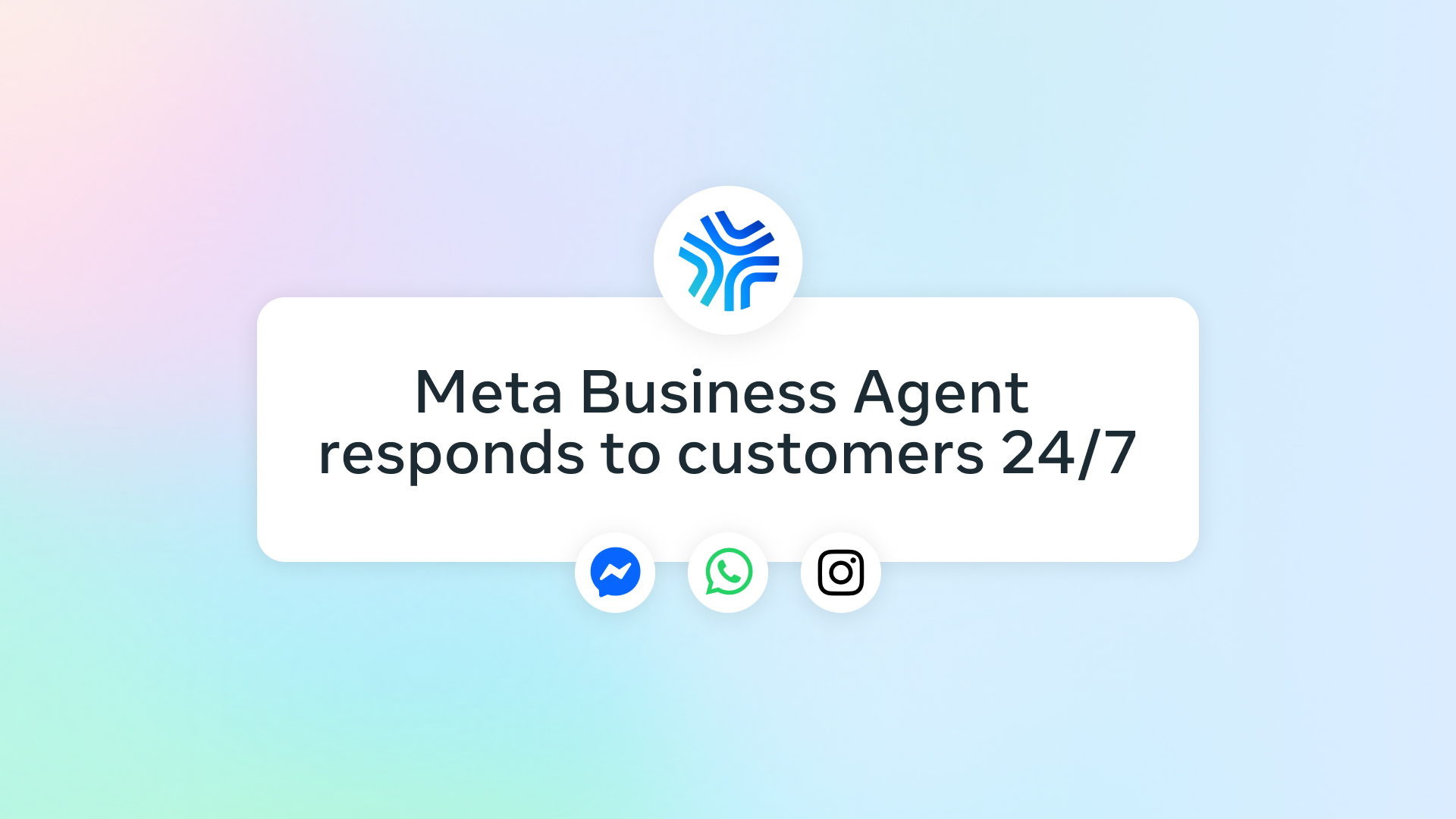
That makes Muse more like an owner-side operations agent than a customer-service bot. Meta Business Agent is the separate product aimed at talking directly with customers across WhatsApp, Messenger and Instagram.
Watch Meta’s official Muse for Small Business demo
Source: Meta Newsroom, September 29, 2026. This is Meta’s official launch video for Muse for Small Business.
What Meta announced on September 29
Meta announced Muse for Small Business on September 29, 2026, adding a business-focused set of skills and connectors to the personal Muse agent it launched earlier in the month. Meta’s launch page says the goal is to let owners give Muse a business objective — such as finding new customers or improving growth — and let the agent work across the tools that already contain the company’s sales, marketing, finance and communication context.
The launch is important because it moves Muse from general personal assistance into operational work that can touch a storefront, accounting records, campaign data, customer communications and payments. That creates more potential value, but it also raises the cost of a bad action. Meta’s answer is an approval gate: the company says nothing publishes, sends or spends without approval.
Meta also says Muse can connect to Instagram professional analytics, Facebook Pages and Meta ad accounts, giving it context about what a company sells, how the brand communicates and what customers ask about. Third-party connectors expand that context beyond Meta’s own apps.
The connectors Meta named at launch
Meta’s launch list names 15 third-party services, plus Facebook and Instagram business accounts. The exact connector list may change as Meta adds partners, and Muse also supports custom connectors for services that are not yet natively supported.
| Business area | Named connectors | Why the connection matters |
|---|---|---|
| Commerce & payments | Shopify, Stripe | Storefront, sales and payment context can inform operational analysis. |
| Finance | Intuit QuickBooks | Muse can review financial performance and flag expenses for the owner to inspect. |
| Marketing & CRM | Klaviyo, HighLevel | Campaign and customer data can feed planning and draft work. |
| Design & product work | Canva, Figma, Lovable | Brand and project context can carry into creative and development workflows. |
| Collaboration & knowledge | Asana, Box, Dropbox, Granola, Notion, Slack, Zoom | Tasks, files, notes, meetings and team communication provide operational context. |
| Meta business data | Facebook Pages, Instagram professional accounts, Meta ad accounts | Social performance, ads and business identity can be analyzed together. |
What Muse can actually do for a small business
Meta’s examples are useful because they show that Muse is being positioned as a cross-tool analyst and task agent, not just a writing assistant.
Build a growth plan from scattered business data. Meta suggests asking Muse to analyze a year of sales, campaigns and social activity, then create a plan against next year’s goals. The value is consolidation: the owner does not have to manually export every dashboard into a spreadsheet before asking for analysis.
Prioritize an overloaded inbox and calendar. Muse can look across email, calendar and other connected context, surface what needs attention and take preparatory work off the owner’s plate.
Analyze marketing and prepare the next campaign. Meta shows Muse examining ads and content performance, identifying what is working or not and drafting a campaign. The important distinction is that drafting is not the same as publishing — Meta says publish/send/spend actions remain gated by approval.
Review financial performance. One launch example asks Muse to summarize the month and identify expenses that look unusual. That can reduce review time, but an AI flag is not an accounting conclusion. Financial records should still be checked against the source system before an owner acts.
Work proactively. Meta says Muse can surface emails that need a response and prepare first drafts without waiting for a new prompt. That proactive behavior is where an agent differs most clearly from a conventional chatbot.
Muse for Small Business vs Meta Business Agent
The names are easy to confuse, but they solve different jobs. Muse works primarily for the business owner; Meta Business Agent works primarily with the business’s customers.
| Product | Primary user | Main job | Typical surfaces |
|---|---|---|---|
| Muse for Small Business | Owner/operator | Analyze, plan, prepare and carry out work across connected business tools. | Muse app/agent plus connected business services. |
| Meta Business Agent | Customers + business team | Answer questions, recommend products, book appointments, qualify leads and support sales. | WhatsApp, Messenger, Instagram and Meta business surfaces. |
Meta said in June that more than one million businesses were already using Meta Business Agent on WhatsApp and Messenger. Muse is a newer product and should not be described as that same customer-facing system.
Approval controls are the most important feature
Connecting an AI agent to bookkeeping, payments, ads, customer communications and internal files changes the risk profile. The biggest feature in Meta’s launch is therefore not a connector — it is the approval boundary.
Meta says Muse’s underlying architecture runs in a dedicated Muse Secure VM. A separate Sentinel agent controls internet access, credentials are stored so Muse does not directly see passwords or payment methods, and sensitive actions such as sending an email or making a purchase require user approval. Meta also says users can choose which apps Muse connects to, change permissions or disconnect services, opt out of model-training use of their interactions, and review an audit trail of what Muse has done and plans to do.
Those are Meta’s stated safeguards, not an independent security certification. There is also a timely reason to keep permissions conservative: Reuters reported on September 25 that Meta strengthened Muse safety warnings after a security researcher found a vulnerability that could potentially expose sensitive VM data. That report is a reminder that an agent with access to more systems creates a larger blast radius if something goes wrong.
A safer rollout plan for a small business
- Start with low-risk, read-oriented context. Connect analytics, notes or project information before accounting, payments or customer messaging.
- Give the minimum permission needed. If reading is enough, do not grant send or edit access.
- Keep approval gates intact. Do not treat a prepared campaign, payment action or email as reviewed just because the agent generated it.
- Verify numbers in the source system. Financial summaries, ad performance and customer data should be checked where the original data lives.
- Review the audit trail. An agent is easier to trust when its actions can be reconstructed after the fact.
- Test with a bounded workflow first. One repeatable process is easier to evaluate than connecting every business system on day one.
Pricing: free for most use, with paid tiers for heavier use
Meta’s small-business announcement says Muse is free for most of what people need and that subscription plans are available for people who want more. The announcement does not list separate small-business plan prices.
Axios reports that Muse’s optional paid tiers are $20 and $100 per month, matching the consumer Muse plans. Because usage limits and packaging can change, businesses should check the live Muse plan screen before budgeting around those figures.
That distinction matters: Meta is not currently presenting “Muse for Small Business” as a separate enterprise SKU in the launch post. It is the Muse experience extended with business connectors and skills.
Availability and what is still unclear
Meta’s September 29 announcement describes Muse as available in the US and Canada. Connector availability may still vary by account, region and rollout stage, and Meta says the full current connector list is visible inside Muse settings.
Several important details are not fully specified in the public launch post: per-plan usage limits, connector-specific permission scopes, service-level commitments for business users, and whether every connector supports the same read/write actions. Those details can materially affect whether Muse fits a production workflow.
For companies that need deeper integration, Meta says Muse supports custom connectors and directs interested partners to its platform program.
Where this fits in Meta’s bigger AI strategy
Muse for Small Business arrived one day after Meta announced a broader Meta Enterprise Platform. Meta says the enterprise push will initially bring together Muse, Meta Business Agent, Muse API, Muse Code and other parts of its AI stack for businesses and developers.
That makes the small-business launch more than a connector update. Meta is building multiple layers: an owner-side agent in Muse, a customer-facing agent in Meta Business Agent, developer interfaces and a broader enterprise platform. The company is trying to turn its existing relationships with businesses into an AI distribution advantage.
For context on how agentic systems differ from normal chatbots, read DPB’s AI agent explainer. For the security problem that appears when agents consume untrusted instructions, see our prompt-injection guide.
Who should try Muse for Small Business first?
Good early candidates: owner-operated businesses with fragmented tools, repeatable reporting work, campaign-analysis needs and a clear approval process. The biggest potential gain is reducing the time spent collecting context before making a decision.
Proceed more slowly: businesses handling highly sensitive customer records, regulated data, complex accounting or payments, or workflows where one incorrect action creates a material loss. In those environments, connector permissions, logging and human review matter more than convenience.
Muse is most interesting when it can reduce the coordination tax between systems. A business that only wants copywriting help can already get that from many AI assistants without granting broad access to operational data.
What to test before trusting it with real operations
- Does Muse cite or show the underlying business data behind its conclusion?
- Can you restrict a connector to read-only access?
- Which exact actions trigger approval, and can that rule be changed?
- What happens when connected systems contain conflicting data?
- Can the audit trail show who approved a sensitive action?
- How does performance change when the task spans several connectors?
- What are the actual usage limits on the free and paid plan available to your account?
Bottom line
Muse for Small Business is a meaningful expansion because it moves Meta’s personal agent into the messy middle of running a company: sales data, finance, campaigns, files, meetings and communications. Its strongest idea is not “AI that runs your business.” It is an agent that can assemble context and prepare work across tools while keeping publishing, sending and spending behind an approval step.
The practical test will be whether those controls remain predictable when a real owner connects several systems at once. Until there is more independent evidence, businesses should treat Meta’s productivity and security claims as claims to validate against their own workflows — starting small, limiting permissions and keeping source-of-truth systems in the loop.
Frequently asked questions
Is Meta Muse for Small Business a separate app?
Meta describes it as new skills and connectors inside Muse rather than a separate small-business app. The same Muse agent is being extended to business workflows.
Which business tools can Muse connect to?
Meta’s launch list includes Asana, Box, Canva, Dropbox, Figma, Granola, HighLevel, Intuit QuickBooks, Klaviyo, Lovable, Notion, Shopify, Slack, Stripe and Zoom, plus Facebook and Instagram business accounts. Meta says more connectors are coming and custom connectors are supported.
Can Muse publish ads or send messages without approval?
Meta says nothing publishes, sends or spends without the user’s approval. Businesses should still verify the exact permission and approval behavior for each connector they enable.
How is Muse different from Meta Business Agent?
Muse primarily helps the owner operate the business across connected tools. Meta Business Agent is primarily customer-facing, handling questions, recommendations, appointments, leads and sales conversations across Meta messaging products.
Sources
DIGITAL PULSE BRIEF NEWSLETTER
Get clear AI, technology and business insights in your inbox
Breaking developments, practical explainers, reviews and useful tech intelligence — without the noise.
WHAT TO READ NEXT
OpenAI DevDay 2026: Keynote Time, Livestream, Schedule and What Developers Should Watch  New Microsoft Copilot 2026: Home, Code and Autopilot Turn Copilot Into a Work Operating Layer
  Claude Opus 5.5 Explained: Pricing, Coding Gains, Safety Changes and Who Should Use It
MORE FROM DIGITAL PULSE BRIEF