WINDOWS UPDATE • Updated September 16, 2026
Windows 11 KB5129195 Emergency Update: What It Fixes—and What Still Breaks
Windows 11 KB5129195 is Microsoft’s out-of-band update for Windows 11 24H2 and 25H2. It fixes Remote Desktop Services instability, Hyper-V Plan9 folder-sharing failures and a specific multichannel USB-audio problem, while also adding protections for CVE-2026-62721. But it does not resolve every September 2026 Windows issue: some USB Audio Class 1.0 devices can still show Code 10 or produce no sound.
KB5129195 in 60 Seconds
Released: September 14, 2026 as an out-of-band cumulative update.
Applies to: Windows 11 24H2 and 25H2. Microsoft lists OS builds 26100.9457 and 26200.9457 after installation.
Main fixes: RDS instability, Hyper-V Plan9 host-folder sharing and 8-channel/3D audio failures on some USB Audio Class 1.0 devices.
Security: Adds protections documented for CVE-2026-62721, a Windows User-Mode Power Service elevation-of-privilege vulnerability.
Still unresolved: Some USB Audio Class 1.0 devices can still fail to start, display Code 10, lose all audio output or show unresponsive sound controls.
| Area | Status after KB5129195 |
|---|---|
| Remote Desktop Services | Fixed |
| Hyper-V Plan9 host-folder sharing | Fixed |
| USB audio 8-channel / 3D modes | Fixed |
| USB Audio Code 10 / no sound | Still open |
| CVE-2026-62721 protections | Included |
What Is Windows 11 KB5129195?
KB5129195 is an out-of-band (OOB) cumulative update, meaning Microsoft released it outside the normal monthly Patch Tuesday schedule. OOB releases are typically used when Microsoft wants to address an issue before the next regular update cycle.
The update applies to Windows 11 versions 24H2 and 25H2. Microsoft’s official support documentation lists the resulting builds as 26100.9457 for 24H2 and 26200.9457 for 25H2. Because it is cumulative, it includes earlier improvements as well as the fixes specific to this release.
Windows 11 26H1 uses a separate out-of-band package, so users should follow the release-health page for their exact Windows version rather than manually forcing the wrong KB.
The important distinction is that KB5129195 is both a reliability repair and a security update. It is not simply a hotfix for one broken feature.
1. KB5129195 Adds Protection for CVE-2026-62721
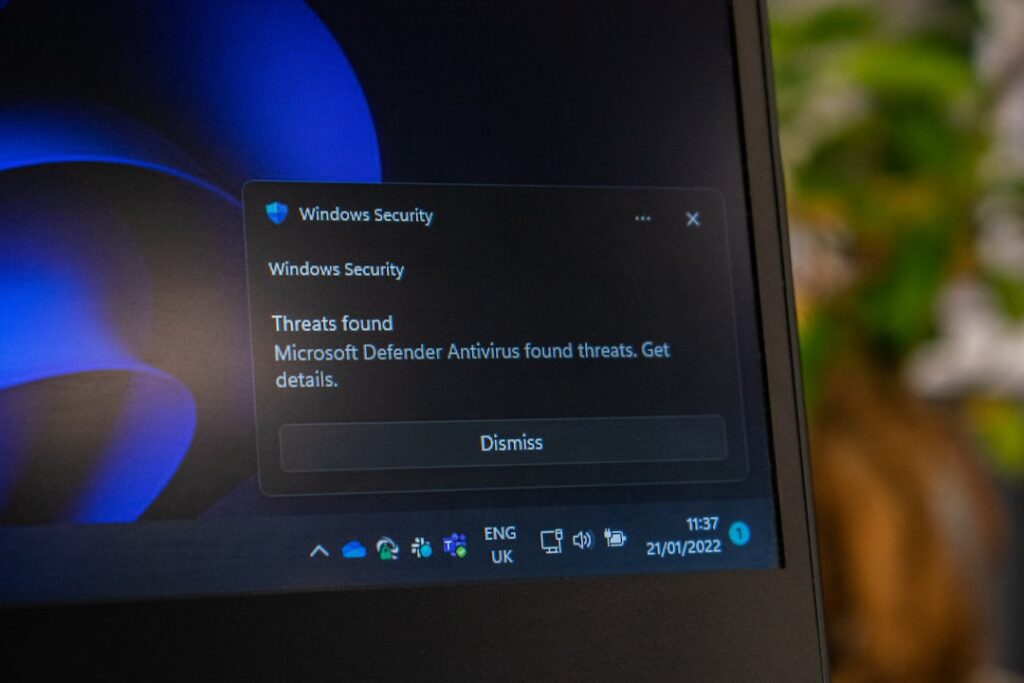
Microsoft says KB5129195 includes protections documented for CVE-2026-62721, an elevation-of-privilege vulnerability in the Windows User-Mode Power Service (UMPS). An elevation-of-privilege flaw is different from a remote-code-execution bug: the attacker generally needs some level of access first, then abuses the vulnerability to obtain higher privileges.
That security component is one reason users should avoid treating this update as optional simply because they are not experiencing RDS, Hyper-V or audio problems. The decision to deploy should consider both stability testing and security exposure.
For the broader September security context, see Digital Pulse Brief’s September 2026 Patch Tuesday guide.
2. Remote Desktop Services Stability Is Fixed
Microsoft says the OOB update resolves instability affecting Remote Desktop Services after September’s Windows security updates. In affected environments, administrators could see failed RDP connections, sign-in failures or systems becoming unresponsive during Remote Desktop configuration.
Related management tools could also stop responding, including Microsoft Management Console, RDS Licensing Diagnoser, File Explorer and the Windows Update page. That made the problem especially disruptive for managed and enterprise environments because the same systems used to diagnose the failure could themselves freeze.
If your organization was affected, install the appropriate update and then verify RDP sign-in, session stability and administrative tooling. Our earlier Windows Server RDS failure analysis explains the wider September incident.

3. Hyper-V Plan9 Folder Sharing Works Again
KB5129195 also fixes a Hyper-V problem affecting applications that use HCS-managed virtual machines and share Windows host folders with Linux guests through Plan9. After the September update, shared folders could disappear from the guest environment or become inaccessible.
This matters beyond traditional Hyper-V labs. Some developer and AI workflows depend on lightweight Linux virtual machines and host-folder integration. Independent reporting noted that applications such as Claude Cowork were affected when their Windows sandbox workflows depended on this path.
After installing KB5129195, developers should test the actual workflow rather than only confirming that the VM starts. Check that the Linux guest can see, read and write the expected shared directories.
4. Multichannel USB Audio Is Fixed—but Only Partially
Microsoft fixed one very specific audio failure: some USB Audio Class 1.0 devices that worked normally in standard stereo stopped working when users switched to 8-channel or 3D audio modes. KB5129195 addresses that multichannel behavior.
However, this is not the same as the broader USB-audio failure reported after the September update. A device that displays “This device cannot start (Code 10)”, produces no sound at all, leaves volume controls stuck at zero or makes Sound Settings unavailable may still be affected by the unresolved issue.
That distinction is important because users may install the emergency update and reasonably expect every audio symptom to disappear. Microsoft’s documentation says the Code 10/no-output problem remains under investigation.

What KB5129195 Does Not Fix
Confirmed remaining issue: Microsoft still lists a USB Audio Class 1.0 problem where some devices fail to start, show Code 10, produce no audio or leave sound controls unavailable.
Other September 2026 Windows problems have been discussed by users and third-party publications, including graphics-driver and File Explorer complaints. Those reports should not automatically be treated as confirmed KB5129195 defects unless Microsoft adds them to its release-health documentation.
The safest approach is to separate Microsoft-confirmed known issues from anecdotal reports. That reduces the risk of uninstalling a security update to solve a problem that may actually come from a driver, application or unrelated configuration change.

Should You Install KB5129195?
For most supported Windows 11 24H2 and 25H2 systems, there is a strong case for installing the latest cumulative update because it contains security protections and repairs several confirmed regressions. Microsoft’s general servicing guidance recommends staying on the latest available update.
Home users: If Windows Update offers KB5129195, install it through the normal Windows Update process, restart, then test your everyday devices—especially USB audio hardware if you rely on it.
IT administrators: Treat it like any accelerated out-of-band deployment. Validate it first on a representative pilot ring, especially if your estate depends on RDS, Hyper-V, audio peripherals, profile-management software or specialized drivers. Then expand deployment after checking the applications and devices that matter to your organization.
If your PC is already stable: The fact that you do not have a visible bug does not mean the update has no value, because the package also includes security protections.
How to Install KB5129195 Safely
- Confirm your Windows version. Open Settings → System → About, or run
winver. KB5129195 applies to Windows 11 24H2 and 25H2. - Save important work and back up critical files. A normal cumulative update should not remove personal files, but a current backup is still sensible before system changes.
- Open Settings → Windows Update. Select Check for updates and allow Windows to download the appropriate cumulative update.
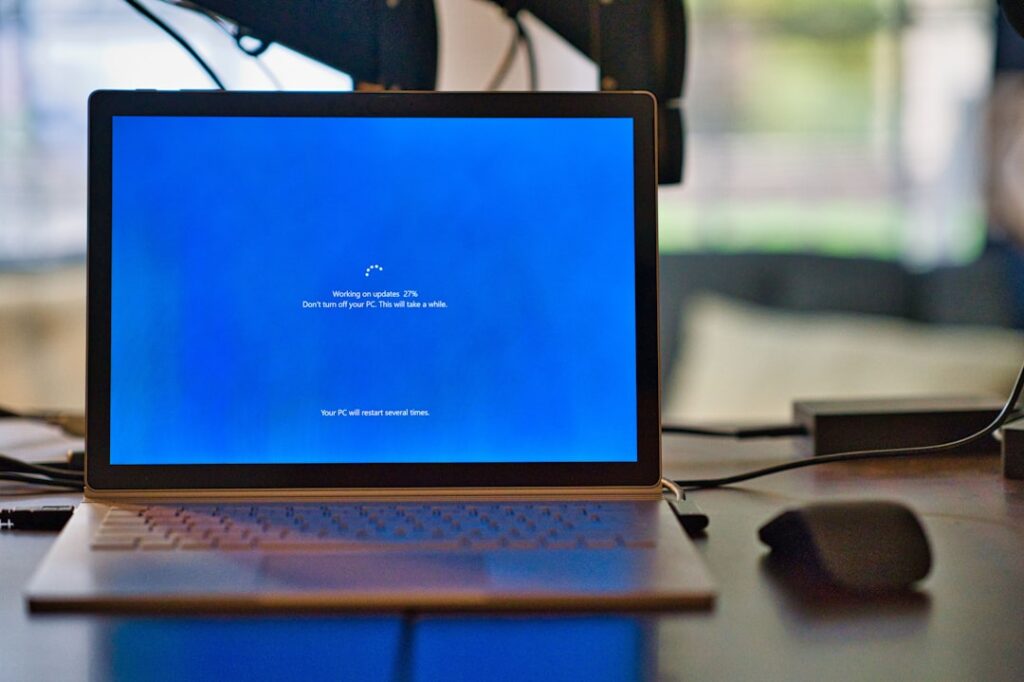
- Restart when prompted. Do not judge the result until the restart and post-update configuration complete.
- Verify the build. Microsoft lists 26100.9457 for Windows 11 24H2 and 26200.9457 for 25H2.
Post-Update Verification Checklist
Do not stop at “the update installed successfully.” A useful validation pass checks the services that were actually affected.
- Windows Update: confirm KB5129195 appears in Update history.
- Build number: verify 26100.9457 on 24H2 or 26200.9457 on 25H2.
- RDP: connect, authenticate, disconnect and reconnect. In managed environments, test several user profiles and session-host scenarios.
- Hyper-V: confirm Linux guests can access the expected Plan9 shared folders and that applications depending on those shares work normally.
- USB audio: test standard stereo and any multichannel mode you actually use. If Device Manager still reports Code 10, remember that Microsoft has not fully resolved that symptom.
- Event logs and application health: look for new errors rather than assuming every post-update problem is related to the KB.
If KB5129195 Causes a New Problem
First identify whether the problem is listed by Microsoft, then check driver and application updates. For audio problems, note the exact device class and Device Manager status rather than treating all sound failures as the same bug.
Windows provides an uninstall path under Settings → Windows Update → Update history → Uninstall updates, but removing a cumulative security update can also remove protections. In business environments, rollback should be a controlled risk decision with compensating controls and a plan to reapply a fixed release later.

Windows 11 KB5129195 FAQ
Is KB5129195 a security update?
Yes. Microsoft says the cumulative OOB package includes protections documented for CVE-2026-62721 in addition to reliability fixes.
Which Windows versions receive KB5129195?
Microsoft lists Windows 11 24H2 and 25H2. Windows 11 26H1 has a separate out-of-band update, so users should install the package offered for their own version.
Does KB5129195 fix Remote Desktop problems?
Microsoft says it resolves the RDS instability associated with September’s Windows security updates, including RDP connection and sign-in failures in affected environments.
Does KB5129195 fix the USB Audio Code 10 error?
No—not completely. The update fixes a multichannel audio problem affecting 8-channel and 3D modes, while Microsoft still lists the broader Code 10/no-output USB Audio Class 1.0 issue as unresolved.
Does KB5129195 fix Hyper-V and Claude Cowork problems?
Microsoft confirms the underlying Hyper-V Plan9 host-folder-sharing issue is fixed. Independent reporting identified Claude Cowork as one application affected by the broken HCS-managed Linux VM folder-sharing workflow.
Why did Microsoft release an out-of-band update?
An out-of-band release arrives outside the standard monthly schedule. In this case Microsoft used it to deliver security protections and address several significant regressions before the next normal update cycle.
Sources and Editorial Note
Digital Pulse Brief prepared this guide from Microsoft’s official servicing and release-health documentation, with independent reporting used only to explain real-world application impact. Microsoft’s documentation should remain the final reference for deployment decisions because known-issue status can change.
Related Digital Pulse Brief Coverage
Microsoft September 2026 Patch Tuesday
See the exploited zero-days, affected Windows systems and the security context behind September’s updates. Read the security guide →
Windows Server RDS Failures After September Updates
Understand the Remote Desktop instability that affected administrators and server environments. Read the RDS report →
Microsoft Retires Excel =COPILOT
Another practical Microsoft 365 change from September 2026, including replacement workflows. See the alternatives →
Stay Current on Windows Updates That Actually Matter
Digital Pulse Brief tracks important Windows, security and software changes with practical guidance—not just release-note summaries.
DIGITAL PULSE BRIEF NEWSLETTER
Get clear AI, technology and business insights in your inbox
Breaking developments, practical explainers, reviews and useful tech intelligence — without the noise.
WHAT TO READ NEXT
New Microsoft Copilot 2026: Home, Code and Autopilot Turn Copilot Into a Work Operating Layer  SaaS vs On-Premise Software: Cost, Security, Control and the Hybrid Reality in 2026
  How to Back Up Windows 11 Properly: OneDrive, External Drives and the 3-2-1 Rule
MORE FROM DIGITAL PULSE BRIEF