
Digital Pulse Brief / Practical Technology Guides
Tech troubleshooting guides.
Get back to life.
Our tech troubleshooting guides help you work through everyday iPhone, Android, Windows, Mac and app problems. Start with the issue you are seeing, find steps worth trying, and get back to what matters.
Try a device, app, feature or exact error message.
Find tech troubleshooting guides by topic.
Choose the device, app or connection that’s giving you trouble. Each section keeps related help together, so it’s easier to find the right place to start.






Browse tech troubleshooting guides by device or software using the topic cards above. We publish new troubleshooting guides when their instructions and sources have been checked. Read more about our approach in our Editorial Policy.
Fresh, practical tech guides.
Read the newest troubleshooting guides, software fixes and useful technology explainers, with the latest articles shown first.
Not sure what to try first?
Begin with a few simple checks before you reset settings or reinstall anything. New step-by-step articles will also appear here when published.
- How to Screen Record on iPhone With Sound: Step-by-Step Guide
 Learn how to screen record on iPhone with or without microphone audio. Add Screen Recording to Control Center, save videos to Photos and fix missing controls.
 - ChatGPT Image Generator: How to Create and Edit Photos in 2026
 How to use the ChatGPT image generator in 2026: create AI pictures, edit photos, remove backgrounds, select areas, choose aspect ratios, save images and fix common issues.
 - How to Clear Cache on iPhone: Safari, Chrome & Apps (Without Losing Data)
 Learn how to clear cache on iPhone in Safari, Chrome and apps. Keep browsing history when needed, avoid deleting important data, and understand offloading versus deleting.
 - iPhone Not Charging? 9 Safe Fixes for Cable, Port & Wireless Charging
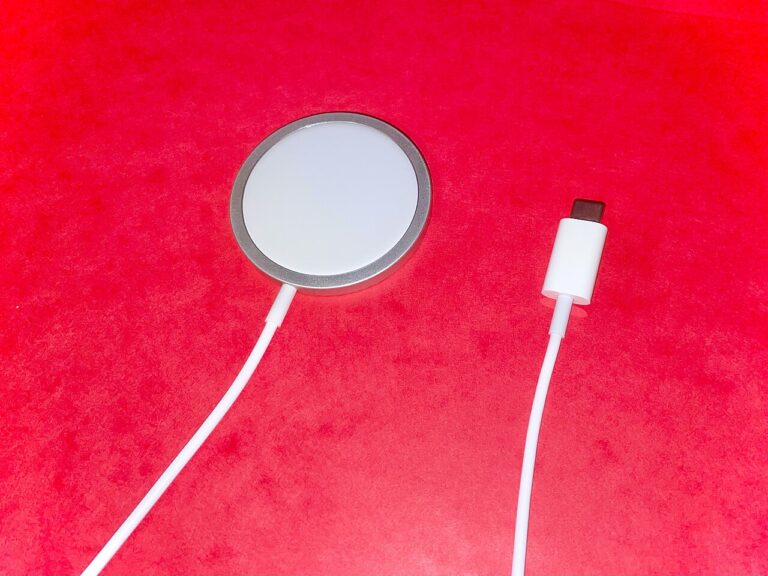 iPhone not charging when plugged in? Follow 9 safe checks for cable and adapter faults, charging port, liquid alerts, dead batteries, MagSafe and 80% charge limits.
 - Gmail Notifications Not Working on Android? 9 Checks to Try
 Gmail notifications not working on Android? Check app notification permissions, account alerts, Sync Gmail, silent alerts and battery restrictions without losing data.
 - iPhone Camera Black Screen? 8 Safe Checks Before Repair
 iPhone camera showing a black screen? Test the front and rear cameras, remove accessories, restart, update iOS, and use Apple Diagnostics on supported models.
 - Windows 11 Camera Not Working? Fix Webcam Detection & App Access
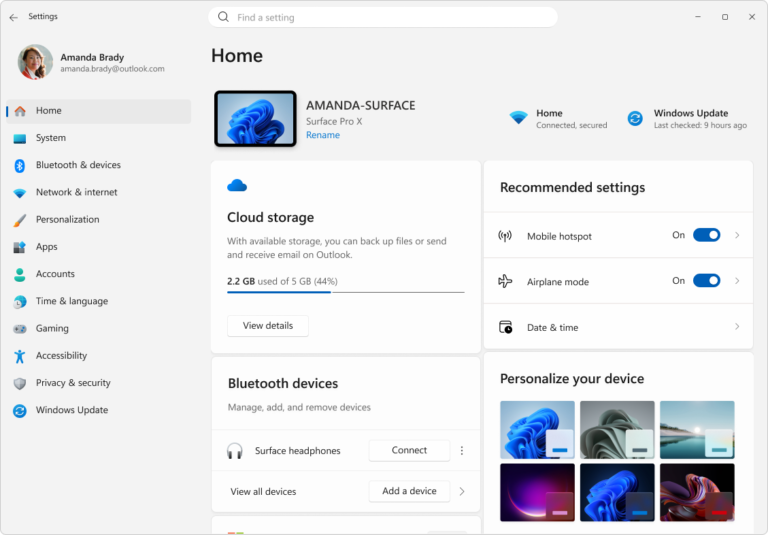 Windows 11 camera not working? Test the Camera app, fix webcam privacy permissions, check device detection and use safe driver steps before resetting your PC.
 - Windows 11 Microphone Not Working? 7 Checks for Apps & InputWindows 11 microphone not working? Check your input device, built-in mic recording test, Windows privacy permissions and app settings before reinstalling drivers.
- Bluetooth Disappeared in Windows 11? Check These Fixes Before Reinstalling DriversMissing Bluetooth in Windows 11? Follow safe checks for the vanished Bluetooth toggle, Device Manager, official drivers and when hardware may be at fault.
- Windows 11 Wi-Fi Connected but No Internet? Run These Safe Diagnostics
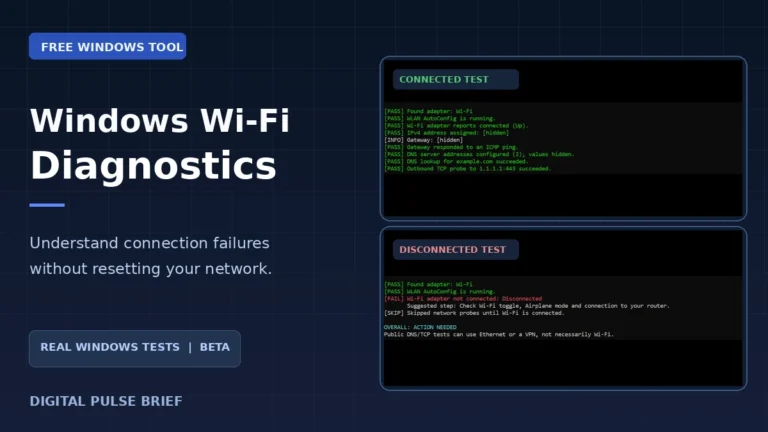 Wi-Fi connected but no internet? Try safe Windows checks and a free open-source Wi-Fi diagnostic tool. See real screenshots, test results and limitations.
 - Gmail Storage Full? Why Emails Stop Arriving and How to Fix It
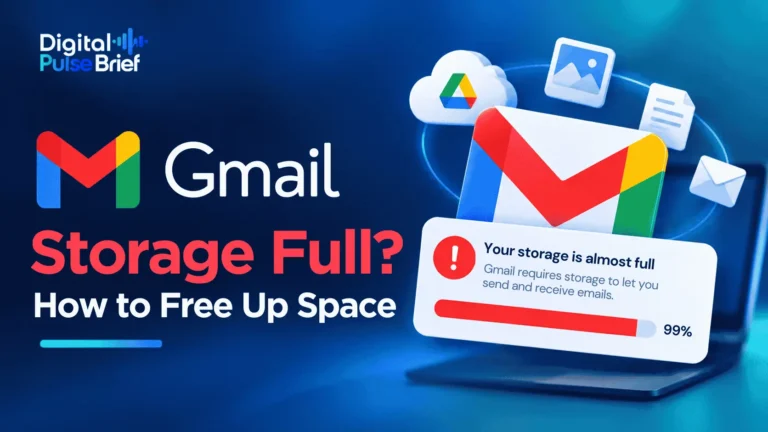 If your Google Account runs out of storage, Gmail may stop receiving mail and senders can get bounce messages. Learn what counts against the limit, how to free space carefully, and when to ask for a resend.
Three quick checks before you make bigger changes
- Phone or tablet won’t connect to Wi-Fi? Check whether another device can use the same network. If the issue is isolated to your phone, start with our iPhone help section. For device-specific steps, see Apple Support.
- Windows laptop suddenly offline? Look at the Wi-Fi icon and check the connection on another device before changing drivers or resetting the network. Explore Windows 11 help or Microsoft’s Wi-Fi troubleshooting guide.
- Gmail not showing new messages? Check the internet connection and whether mail arrives in a browser. Then check the Gmail app’s sync settings and storage. See our email help section or Google’s official sync instructions.
These checks help narrow down the problem; they aren’t guaranteed fixes. Back up important data before deleting app storage, resetting settings or reinstalling software.
Helpful answers should be easy to use.
If a setting could erase data, or a fix depends on your software version, you should know before trying it. We aim to make those details clear instead of claiming one fix works for everyone. Learn more about Digital Pulse Brief and how to report a correction.
Check what is actually going wrong, and which devices or software versions the advice applies to.
Explain where to click or tap, what to look for and what should happen next.
If something is only a possible cause, say so. No guesswork dressed up as a guaranteed fix.