AI & AUTOMATION · OPENAI · SEPTEMBER 2026
ChatGPT Images 2.5: Flare vs Sunburst, New Features, API Pricing and What Changed
OpenAI’s image model now focuses on faster iteration, tighter edits and better reference fidelity. Here is what actually changed, how Flare and Sunburst differ, and what developers should know before using the API.
By Digital Pulse Brief Editorial Desk · Updated September 22, 2026 · Research-based explainer
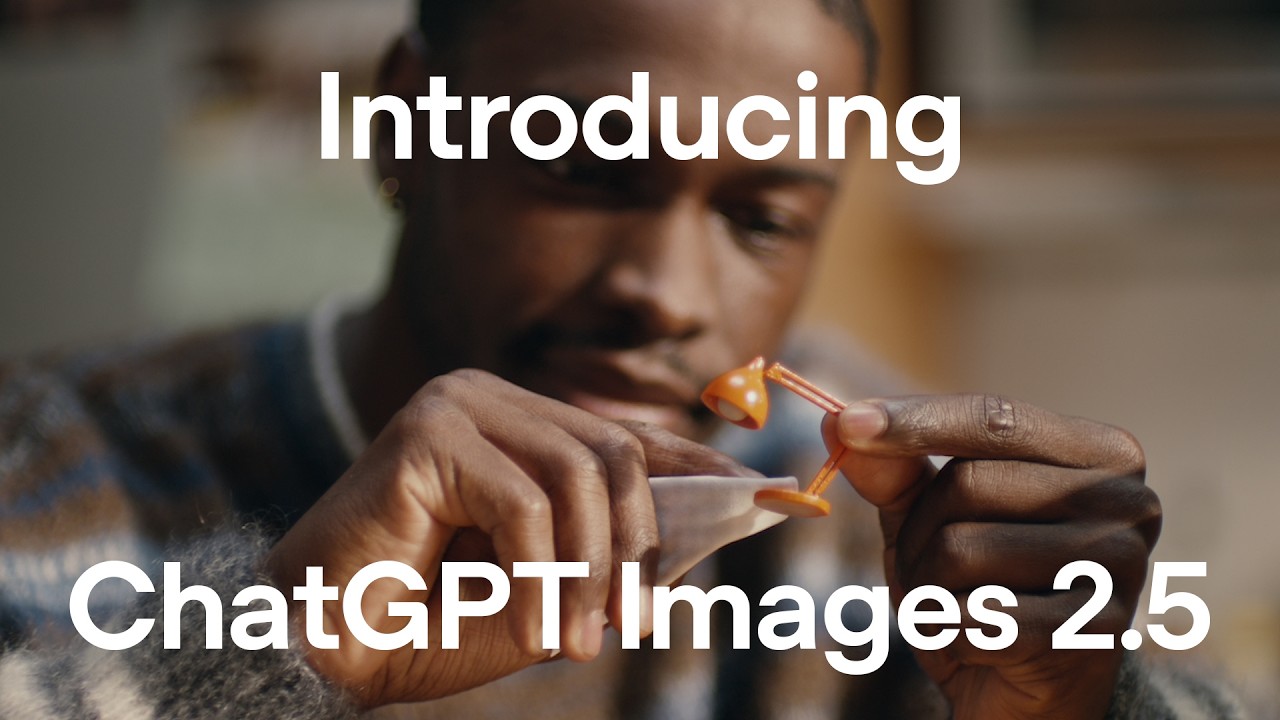
Official launch visual from OpenAI’s verified YouTube channel. Credit: OpenAI/YouTube. Used for editorial reporting.
ChatGPT Images 2.5 is OpenAI’s latest image-generation and editing system, released on September 8, 2026. The practical upgrade is not one headline feature: it is a combination of faster generation, stronger subject fidelity, more targeted edits, better multi-turn consistency, and new creation tools such as Sketch, templates, comments and prompt sharing.
Quick answer: OpenAI says Images 2.5 can generate images with up to 50% lower latency than Images 2.0, preserve reference subjects more reliably, and make narrower edits without changing unrelated details. In the API, developers now choose between GPT‑Image‑2.5 Flare for fast, high-volume work and GPT‑Image‑2.5 Sunburst for more precision-focused creative workflows.
Editorial note: Digital Pulse Brief has not independently benchmarked the two API models. Performance claims below are attributed to OpenAI unless otherwise stated.
ChatGPT Images 2.5 at a glance
| What changed | Why it matters |
|---|---|
| Up to 50% lower latency | Faster iterations for creators and product workflows. |
| Better reference fidelity | Subjects are more likely to stay recognizable across transformations. |
| More precise editing | Change one element while preserving composition and other details. |
| Sketch + templates + comments | More visual ways to direct the model instead of relying only on prose prompts. |
| Flare + Sunburst API models | Developers can optimize for speed or editing precision. |
What is actually new in Images 2.5?
OpenAI says people now create more than 3 billion images every week across ChatGPT Images and GPT‑Image models in the API. Images 2.5 is designed around the problems that show up when image generation moves from novelty to repeated production work: preserving the same person or object, changing only what was requested, keeping earlier edits intact, and iterating without long waits.
The company specifically highlights more natural lighting and richer textures, stronger preservation of subjects from reference photos, and better instruction-following over multiple editing turns. That matters for product imagery, campaign variants, character consistency, presentation assets and any workflow where “almost the same” is not good enough.
OpenAI also says the model is better at complex layouts and transparent backgrounds. The API documentation adds practical controls: GPT‑Image‑2.5 models support low, medium, high, xhigh, max and auto quality settings, plus transparent or opaque backgrounds.
A real OpenAI editing example: preserving the subject

Before: original reference portrait. Source: OpenAI Images 2.5 launch article.

After: OpenAI’s edited portrait example. Credit/source: OpenAI.
Precision editing and multi-turn consistency
The most useful change may be what the model tries not to change. OpenAI describes Images 2.5 as better at editing a selected element while preserving the surrounding subject, composition and brand treatment.
That does not make editing perfectly surgical. OpenAI’s Help Center still warns that highlights in the image editor are not always precise and that an edit can extend beyond the selected area. For production work, the safer workflow is still iterative: make one constrained change, inspect the result, then move to the next.
Multi-turn consistency also matters. Earlier edits are more likely to persist as a conversation continues, reducing the “creative drift” that can make a fifth revision look unrelated to the first.
Sketch, templates, comments and prompt sharing
Sketch lets mobile users draw directly in ChatGPT and combine that drawing with written instructions. A rough room layout, garment silhouette or doodle can become a visual reference instead of being described from scratch.
Templates provide structured starting points for common formats such as posters and merchandise, while image comments let users point to a specific area and describe what should change. Prompt sharing can include the prompt behind an image so someone else can reuse the concept with their own inputs.
Availability detail: ChatGPT Images 2.5 is available across ChatGPT tiers on desktop, mobile and web. OpenAI’s Help Center notes that Templates are not currently available in ChatGPT Work.
GPT‑Image‑2.5 Flare vs Sunburst
Flare and Sunburst expose the same broad image-generation capabilities, but OpenAI gives them different roles. Flare is the default choice for most applications and is positioned for speed. Sunburst is aimed at workflows where edit precision matters more than latency.
| Model | Best fit | Trade-off |
|---|---|---|
| GPT‑Image‑2.5 Flare | Creator content, social assets, product experiences, visual search, rapid prototyping and high-volume generation. | Optimized for lower latency; OpenAI positions it as the default for most apps. |
| GPT‑Image‑2.5 Sunburst | Production-ready campaign creative, polished product imagery and precision-heavy editing. | More precision, but longer generation times. |
The current model pages list the same token prices for both models: $5 per million text input tokens, $8 per million image input tokens, $2 per million cached image input tokens, and $30 per million image output tokens. Image billing is token-based rather than a simple flat price per picture, so the real cost of a generation depends on the request and output.
The API also supports arbitrary image resolutions for these models. OpenAI’s reference says width and height must be divisible by 16, the aspect ratio must stay between 1:3 and 3:1, resolutions above 2560×1440 are experimental, and the documented maximum is 3840×2160 subject to current model limits.
Flare or Sunburst? Choose Flare when iteration speed and throughput matter. Choose Sunburst when a workflow is sensitive to small compositional or editing errors. For many products, it is reasonable to prototype with Flare and reserve Sunburst for final high-value assets.
Where Images 2.5 could be genuinely useful
- Marketing teams: generate campaign variants while trying to keep the same subject and brand treatment.
- Retail and product teams: change backgrounds, props or copy without rebuilding the entire visual.
- Designers: use Sketch as an initial composition reference, then refine the result through focused edits.
- Developers: add image generation and editing to apps with explicit control over quality, size and background.
- Presentation and content teams: build diagrams, infographics and polished visual assets with more reliable layout handling.
Watch OpenAI’s official Images 2.5 introduction
What Images 2.5 still does not solve
Images 2.5 is still a generative model, not a deterministic graphics editor. Small details can be wrong, repeated edits can still introduce unwanted changes, and factual visuals should be checked rather than assumed correct. If an image contains numbers, labels, maps, product specifications or other verifiable information, review it before publishing.
For reference-photo edits, subject preservation is improved but not guaranteed. For brand work, teams should compare outputs against original assets and maintain human approval for anything public-facing.
OpenAI says it continues to attach C2PA metadata and use invisible watermarking to help identify images made with its tools. The company’s Images 2.5 system card also describes safeguards around prompts and image outputs as capabilities improve.
Bottom line
Images 2.5 looks less like a one-off quality bump and more like an attempt to make AI image generation dependable enough for repeated creative work. Faster generation matters, but the bigger productivity gain comes when a model can preserve the subject, keep earlier edits intact and change only the requested detail.
For most developers, Flare is the sensible starting point because OpenAI positions it for speed and broad application use. Sunburst makes more sense when a final asset is valuable enough that tighter editing control is worth extra waiting time.
For ChatGPT users, Sketch, comments and templates reduce the burden of describing everything perfectly in text. The important caveat remains the same: generated visuals should be reviewed as outputs, not treated as automatically accurate evidence.
FAQ
Is ChatGPT Images 2.5 available to free users?
Yes. OpenAI says Images 2.5 is rolling out across ChatGPT tiers on desktop, mobile and web. Feature availability can still vary by product surface and workspace.
What is the difference between Flare and Sunburst?
Flare is OpenAI’s default, faster API model for most image-generation workloads. Sunburst is designed for higher-precision editing and premium creative workflows, with longer generation times.
Can Images 2.5 make transparent images?
Yes. OpenAI’s API documentation lists transparent and opaque background options for the GPT‑Image‑2.5 models.
Does Images 2.5 preserve faces perfectly?
No model should be treated as perfect. OpenAI says reference-photo fidelity is improved, but important identity-sensitive edits should still be inspected carefully.
What is the maximum API image resolution?
OpenAI’s current API reference documents arbitrary resolutions up to 3840×2160, subject to edge, aspect-ratio and pixel limits; resolutions above 2560×1440 are described as experimental.
Quick facts
Released: Sept. 8, 2026
ChatGPT: All tiers
API: Flare + Sunburst
Claimed speed: up to 50% lower latency vs Images 2.0
Primary keyword: ChatGPT Images 2.5
Released: Sept. 8, 2026
ChatGPT: All tiers
API: Flare + Sunburst
Claimed speed: up to 50% lower latency vs Images 2.0
Primary keyword: ChatGPT Images 2.5
Sources and image-use record
Images in this article are official OpenAI launch assets or an official OpenAI YouTube thumbnail, uploaded locally to Digital Pulse Brief for editorial reporting. Digital Pulse Brief did not participate in OpenAI’s model testing and does not present vendor performance claims as independent measurements.
DIGITAL PULSE BRIEF NEWSLETTER
Get clear AI, technology and business insights in your inbox
Breaking developments, practical explainers, reviews and useful tech intelligence — without the noise.
WHAT TO READ NEXT
New Microsoft Copilot 2026: Home, Code and Autopilot Turn Copilot Into a Work Operating Layer  Claude Opus 5.5 Explained: Pricing, Coding Gains, Safety Changes and Who Should Use It
  Gemini 3.8 Live Avatar Is Now GA: 97 Languages, Custom Avatars, SynthID and Enterprise Use
MORE FROM DIGITAL PULSE BRIEF