iOS 27 Rolls Out Today: Supported iPhones, Siri AI, New Features and How to Update
Updated September 14, 2026: Apple is rolling out iOS 27 today as a free software update for a wide range of iPhones. The update brings the new Siri AI experience, expanded Apple Intelligence features, smarter apps, new privacy and family tools, and a long list of quality-of-life improvements. If you are searching for the iOS 27 update, this guide covers the supported iPhones, which devices get Siri AI, the biggest changes, and the safest way to install it.
Apple confirmed the September 14 release date alongside the iPhone 18 Pro launch. Availability may not appear on every device at exactly the same moment, so if the update is not visible yet in Settings, check again later rather than assuming your iPhone is unsupported.
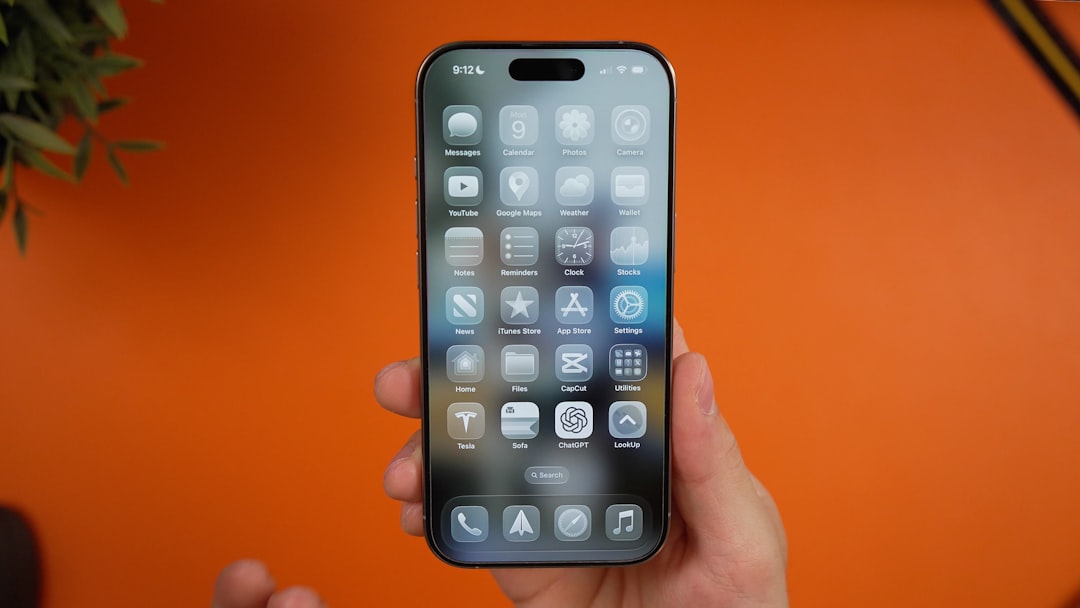
Design context: recent iPhone software showing Apple’s Liquid Glass visual direction. Photo by Daniel Romero on Unsplash.
iOS 27 release date: when does the update arrive?
Apple says iOS 27 is available as a free software update on Monday, September 14, 2026. The company has not promised that every region or carrier will see the download at the exact same minute, so a short delay is normal during a major global rollout.
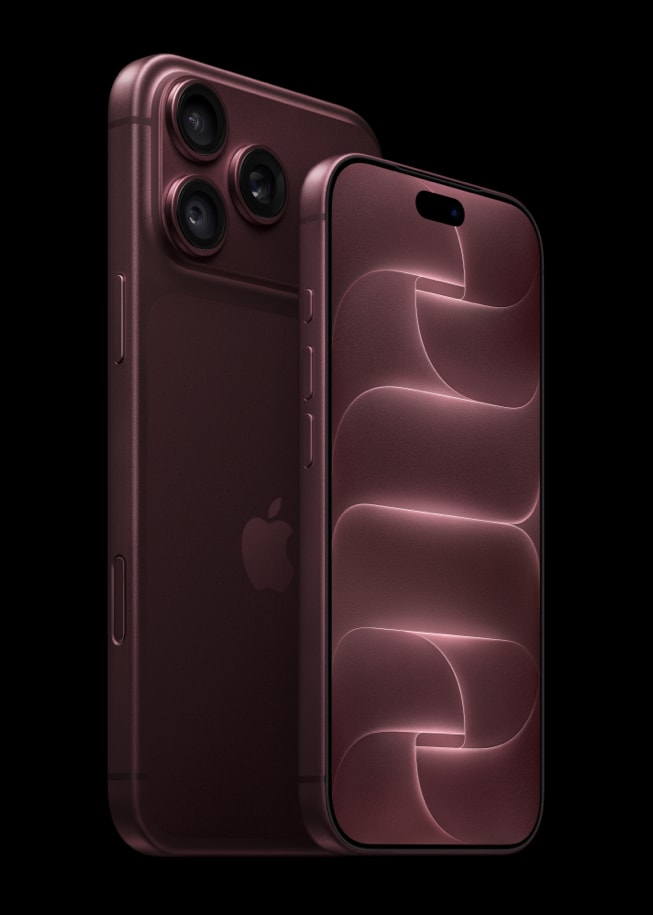
The update also arrives just before the iPhone 18 Pro and iPhone 18 Pro Max go on sale on September 18. Those devices ship with iOS 27, while existing compatible iPhones can update through the Software Update section in Settings.
Which iPhones support iOS 27?
Apple’s official compatibility page shows that iOS 27 supports the iPhone 11 generation and newer, plus the iPhone SE (2nd generation and later). The current list includes:
- iPhone Duo
- iPhone 18 Pro and iPhone 18 Pro Max
- iPhone 17, iPhone 17e, iPhone Air, iPhone 17 Pro and iPhone 17 Pro Max
- iPhone 16, iPhone 16e, iPhone 16 Plus, iPhone 16 Pro and iPhone 16 Pro Max
- iPhone 15, iPhone 15 Plus, iPhone 15 Pro and iPhone 15 Pro Max
- iPhone 14, iPhone 14 Plus, iPhone 14 Pro and iPhone 14 Pro Max
- iPhone 13, iPhone 13 mini, iPhone 13 Pro and iPhone 13 Pro Max
- iPhone 12, iPhone 12 mini, iPhone 12 Pro and iPhone 12 Pro Max
- iPhone 11, iPhone 11 Pro and iPhone 11 Pro Max
- iPhone SE (2nd generation and later)
The important catch is that iOS 27 compatibility does not mean every iOS 27 feature works on every supported iPhone. The biggest difference is Apple Intelligence and Siri AI hardware support.
Which iPhones get Siri AI and Apple Intelligence?
Apple says the new Apple Intelligence and Siri AI features require an iPhone 16 model or later, or an iPhone 15 Pro or iPhone 15 Pro Max. Older compatible iPhones can still install iOS 27, but they will not receive the full AI experience.
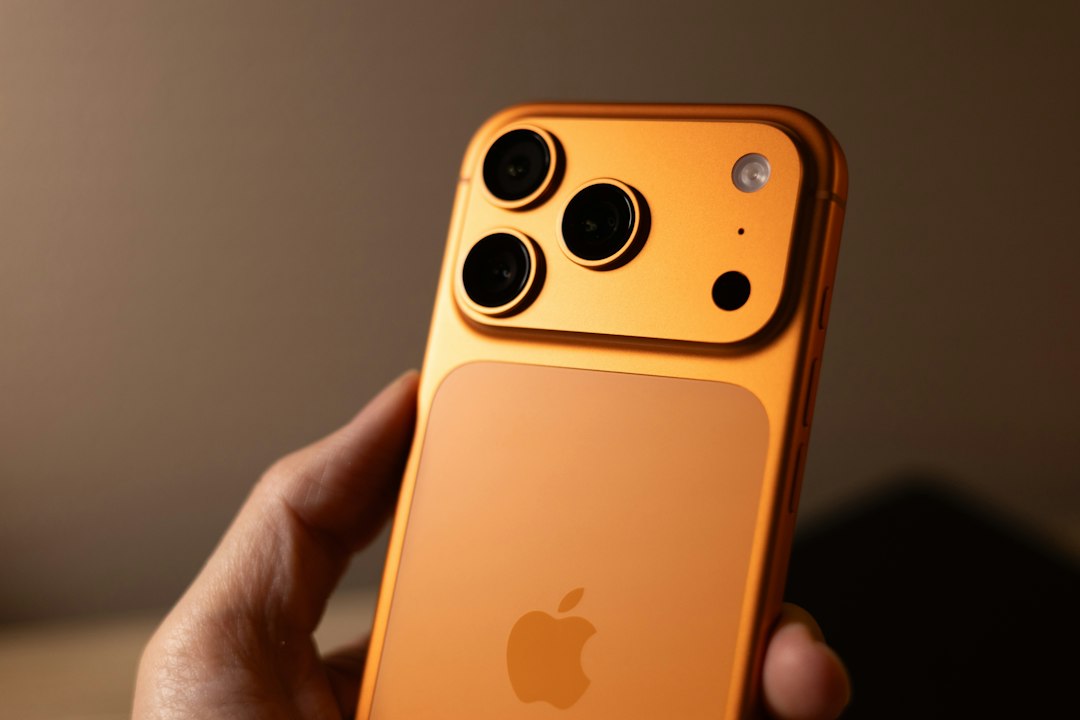
Newer Apple Intelligence-capable iPhones unlock the headline Siri AI features. Photo by James A. Molnar on Unsplash.
Siri AI is designed to be more conversational and can use personal context, understand what is on your screen, search across information in apps, take actions across the system, and answer broader questions using up-to-date web knowledge. Apple also introduced a dedicated Siri app so users can return to previous conversations.
Siri AI launches in beta first for supported devices set to English. Apple says French, Japanese, Korean, Portuguese and Spanish support will follow in October. Availability also varies by region: Apple says Siri AI is not initially available on iPhone in the EU, while Siri AI and other new Apple Intelligence features are not available in China at launch.
The biggest new features in iOS 27
1. Siri AI becomes the headline upgrade
The biggest change is the new Siri AI architecture. Instead of behaving mainly like a voice command tool, Siri can use personal context from messages, email and photos, understand onscreen content, answer broader questions, and perform more actions across apps. This is the clearest sign that Apple wants the iPhone to become a more context-aware personal assistant rather than simply a collection of separate apps.
2. Apple Intelligence reaches more everyday apps
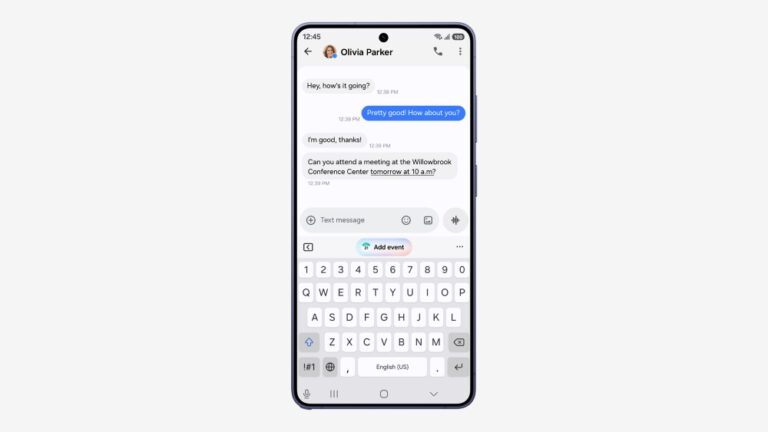
Apple Intelligence adds new capabilities across Photos, Safari, Messages, Mail and Image Playground. Apple says Photos gains tools such as Spatial Reframing, while Image Playground adds more powerful image creation options. Messages can surface one-tap suggestions based on the context of a conversation.
3. Safari can monitor pages for you
A useful new Safari feature called Notify Me can watch a web page for changes such as a product restock, registration opening or price change. That could turn Safari into a lightweight monitoring tool for shoppers, travelers and anyone waiting for a page to update.
4. Smarter Maps, Home and AirPods controls
Apple is also expanding intelligence beyond Siri. Maps gets an enhanced Flyover experience, Home can use Apple Intelligence to summarize related camera activity and help search supported HomeKit Secure Video clips, and AirPods users get Custom EQ controls for lows, mids and highs.
5. GymKit comes to iPhone
GymKit support now extends to iPhone, allowing compatible cardio machines to share workout metrics directly with the phone. For users with supported AirPods, Apple is also tying more fitness data into the broader iPhone experience.
How to download and install iOS 27 safely
Apple’s own update guidance is straightforward, but taking a few precautions before a major operating-system upgrade is worth it.
- Back up your iPhone. Use iCloud or a computer so you have a recent copy of your important data before updating.
- Connect to Wi-Fi and power. A stable connection and enough battery power reduce the chance of interruption.
- Open Settings > General > Software Update. Your iPhone will show the currently installed iOS version and any update available for the device.
- Choose Download and Install. Follow the onscreen instructions and let the phone restart when required.
- If iOS 27 is not showing yet, check again later. Major Apple releases can take time to appear across all devices and regions.
Apple says your existing data and settings are preserved during a normal iOS update, but the company still recommends backing up beforehand. If you rely on your iPhone for critical work, banking or travel, it can also be sensible to confirm that your most important apps support the new version before installing on day one.
iOS 27 is a major software release, but some of its most important features depend on newer hardware. Photo by Igor Omilaev on Unsplash.
Should you install iOS 27 immediately?
For most users with a compatible iPhone, iOS 27 is worth installing once it appears on the device, especially if you want the newest security fixes and Apple ecosystem features. However, the value of upgrading is very different depending on the iPhone you own.
Owners of Apple Intelligence-capable iPhones have the most to gain because Siri AI and the broader AI features are the center of this release. Users on an iPhone 11, 12, 13 or standard iPhone 15 still get the operating-system improvements, but not the full headline AI experience.
If your phone is essential for work and you prefer maximum stability, waiting a day or two for early bug reports can be a reasonable approach. If you enjoy testing new features and your key apps are compatible, installing once the update appears is the faster route.
Why iOS 27 matters beyond this update
iOS 27 is important because Apple is drawing a clearer line between software compatibility and AI capability. A phone can technically run the latest iOS while still missing the features Apple is positioning as the future of the platform. That makes processor generation and on-device AI performance more important when choosing a new iPhone.
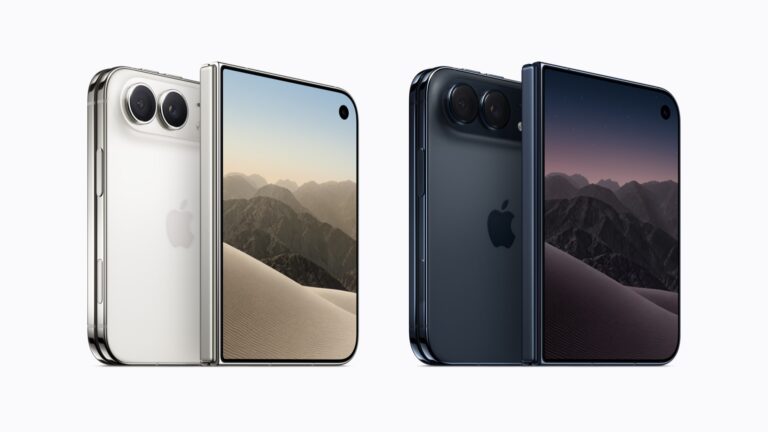
That is especially relevant this year because Apple is also expanding its hardware lineup. If you are comparing new devices, read our breakdown of the iPhone Duo, Apple’s first foldable iPhone, including its price, release date and key specs.
iOS 27 FAQ
Is iOS 27 free?
Yes. Apple is releasing iOS 27 as a free software update for supported iPhones.
What is the oldest iPhone that supports iOS 27?
The oldest supported mainline generation is the iPhone 11 family. Apple also supports the iPhone SE (2nd generation) and later.
Does iPhone 15 get Siri AI?
The iPhone 15 Pro and iPhone 15 Pro Max support Apple Intelligence and Siri AI. The standard iPhone 15 and iPhone 15 Plus can install iOS 27 but are not included in Apple’s Apple Intelligence hardware list.
Why is iOS 27 not showing on my iPhone yet?
If your iPhone is compatible but the update is not visible, the rollout may not have reached your device yet. Check Settings > General > Software Update again later, make sure you have a stable internet connection, and confirm that your device is on the compatibility list.
Official sources
We verified the key compatibility, availability and feature details against Apple’s official pages: Apple iOS 27, Apple’s WWDC26 software announcement, Apple’s iPhone 18 Pro announcement, and Apple’s iPhone update guide.
Bottom line: iOS 27 is a broad update that keeps many older iPhones current, but its most ambitious features are built around newer Apple Intelligence hardware. Before installing, back up your phone, check feature eligibility for your model, and use Settings > General > Software Update when the release appears.