

What changed — in one minute
Quick answer: Claude Docs and Slides matter because they move Claude beyond file generation into persistent collaborative workspaces. Docs supports rich-text drafting, comments and Word/PDF/Markdown/Google Docs exports; Slides supports direct deck editing, presenting in Claude and PowerPoint/PDF export. Both are beta features on paid plans, and some enterprise/security configurations remain limited.
- Claude Docs creates editable, shareable rich-text documents inside Claude.
- Claude Slides creates presentations from notes, reports or conversation context.
- The strongest advantage is context continuity: research, connected apps, documents and slides can stay in one workflow.
- The biggest caveat is maturity: Docs still lacks version history and comment-only permissions.
Claude Docs and Slides are more than new export buttons
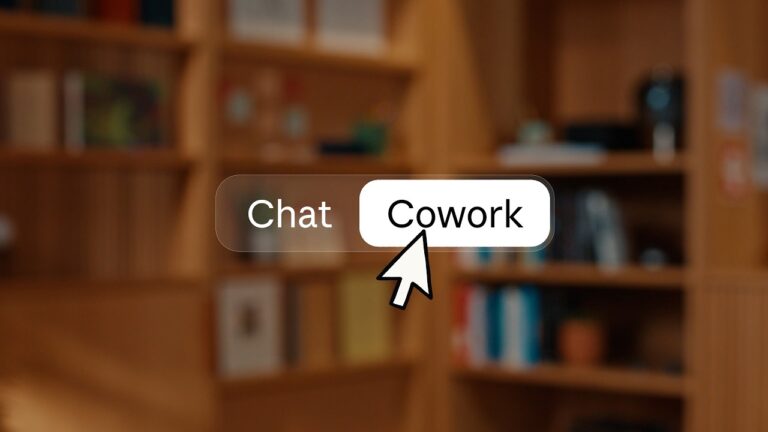
Claude Docs and Claude Slides are Anthropic’s newest attempt to turn Claude from a chatbot that produces files into a workspace where people can create, edit, share and refine finished work without leaving the conversation. Announced on September 16, 2026 alongside Anthropic’s move to merge Claude chat and Cowork into “one Claude,” the new tools are in beta on paid plans, with availability influenced by rollout timing and organization settings.
The practical change is bigger than “Claude can make a Word document or PowerPoint.” Claude could already create downloadable files. The new model is persistent and collaborative: a document or deck becomes an artifact that lives inside Claude, can be edited directly, shared by link, revisited later and used as the next input in the same workflow.
For knowledge workers, that means a request such as “turn last week’s customer research into a two-page brief, then make a five-slide leadership deck” can stay in one context. For Microsoft 365 and Google Workspace users, it also raises an obvious question: is Claude becoming a real office suite replacement, or is it better understood as an AI production layer that still hands work off to established tools?
What Anthropic launched on September 16, 2026
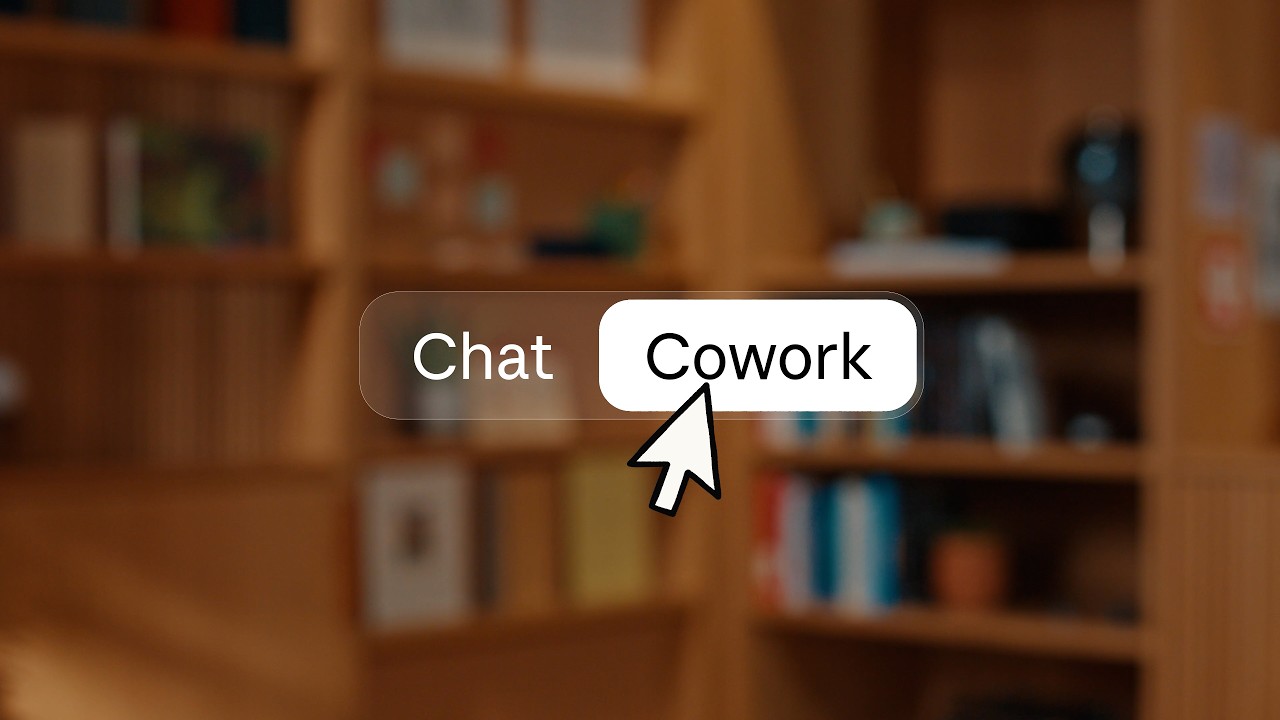
Anthropic’s September 16 launch combines two shifts. First, the company is removing the hard boundary between ordinary chat and Cowork-style agentic work. In the new Claude experience, users describe an outcome and Claude decides what capabilities it needs. Second, outputs are becoming first-class workspaces rather than static responses.
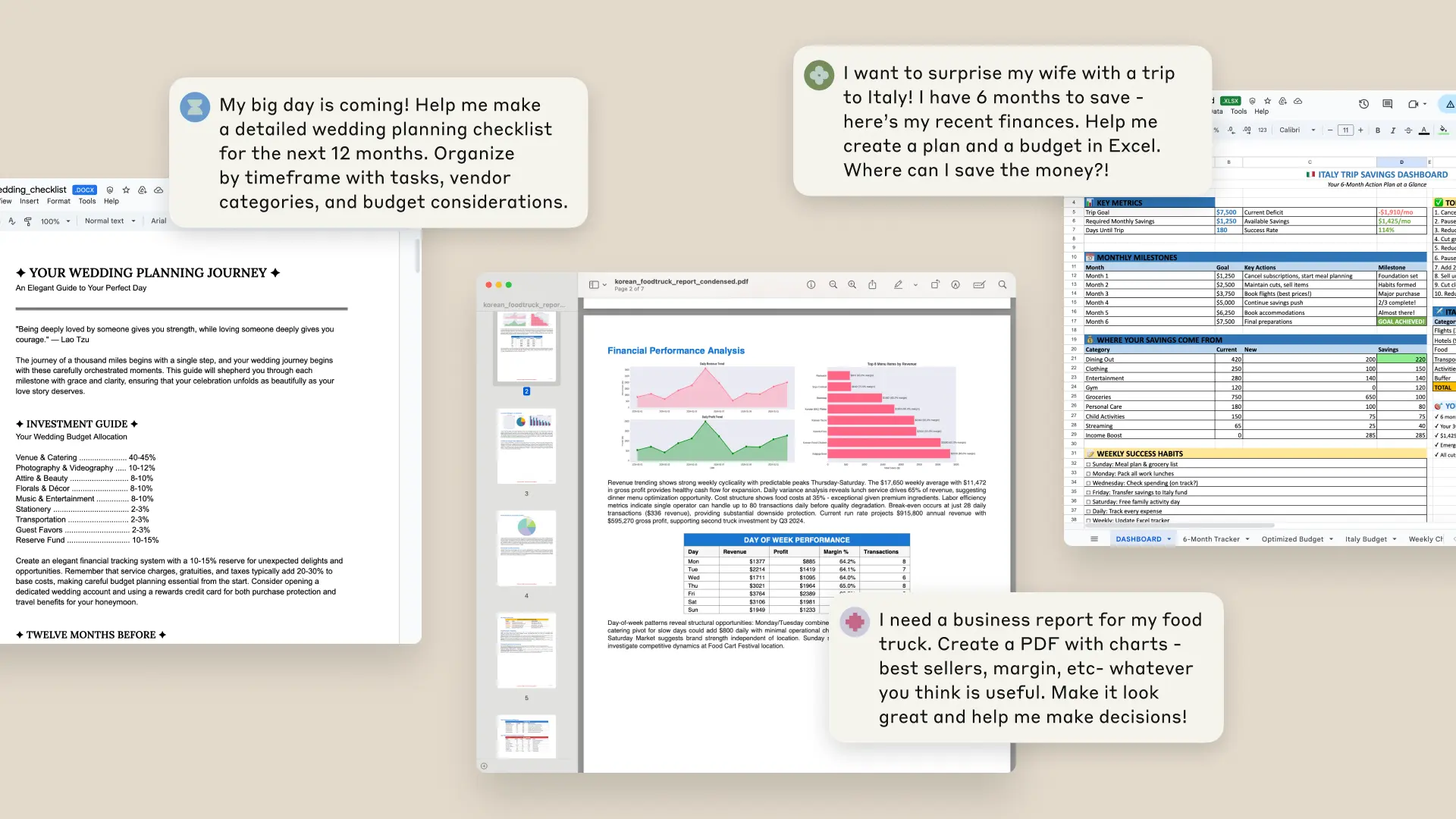
That matters because Claude has been able to generate files since 2025. The older workflow was largely transactional: provide instructions, wait for a .docx, .pptx, spreadsheet or PDF, then download and continue elsewhere. Docs and Slides add an editing surface, persistent ownership, sharing controls and a tighter feedback loop with Claude.
Anthropic’s own launch example is revealing: a user can ask Claude to analyze changes in a sales pipeline, write a report, turn the highlights into five slides, make manual edits, leave a comment for Claude on a slide and share the result. The report and presentation retain the same conversational context rather than starting as disconnected files.
Official Claude product visual from Anthropic.
Claude Docs: a living document inside the AI conversation
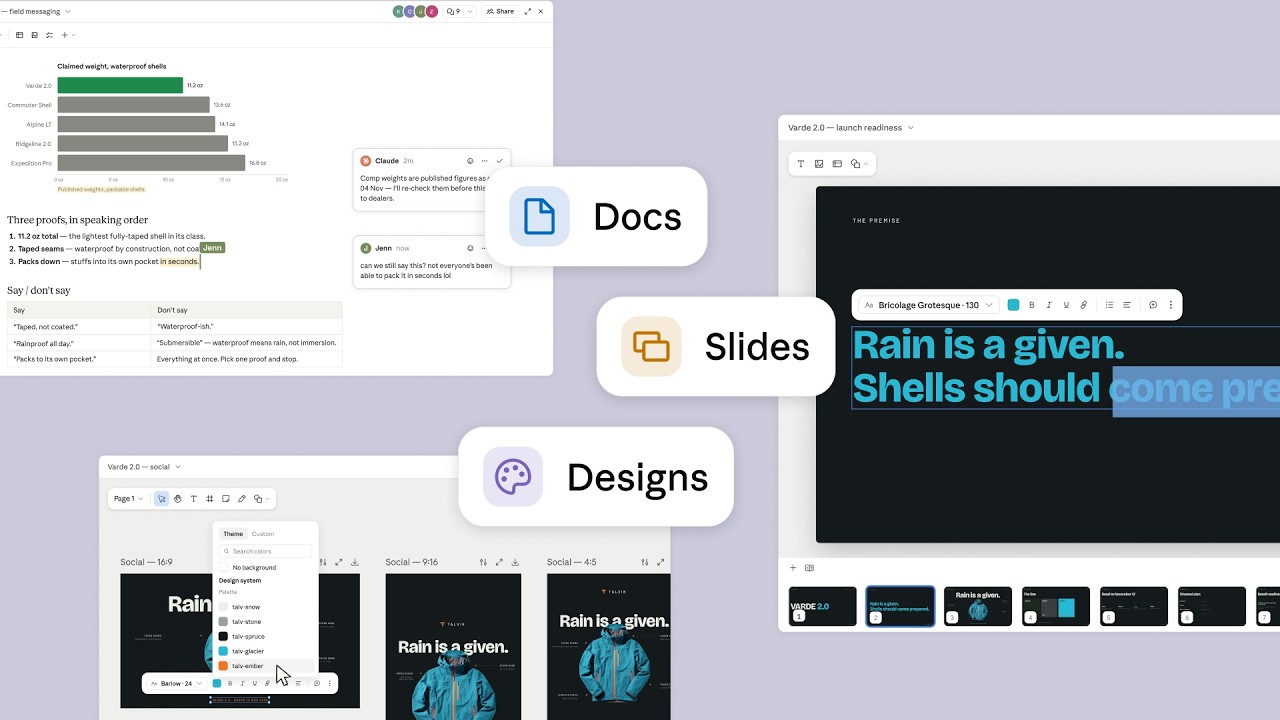
Claude Docs is a rich-text workspace saved to a user’s Claude account. A doc can include headings, tables and multiple tabs, and Claude can draft from context already available in the conversation—uploaded files, Projects, memory, skills and connected apps.
Editing is intentionally mixed-initiative. A person can type directly, ask Claude in the conversation to rewrite or expand a section, or leave a comment and mention @Claude to request a change. Anthropic says edits are attributed to the person or Claude that made them, and users with edit permission can work on the same document at the same time.
Export options are unusually broad for a first beta: Word (.docx), PDF, Markdown and Google Docs. A doc can also be turned into a presentation with Claude Slides, which makes the document-to-deck workflow one of the most strategically important parts of the launch.
Sharing depends on the plan. Pro and Max users can share a doc with anyone who has the link, although opening it still requires a Claude account. Team and Enterprise organizations can invite people or groups and share inside the organization, but external sharing is not currently supported for those organization plans.
Official Claude product visual from Anthropic.
Claude Slides: from source context to a presentation-ready deck
Claude Slides is aimed at the same “finished work” layer, but for presentations. Anthropic describes it as a way to build decks from notes, reports or work already present in a conversation. Slides can be edited directly, presented without leaving Claude and exported to PowerPoint or PDF.
The key benefit is not that an AI can produce slide text—that has been common for years. It is that the presentation can inherit the same sources, decisions and constraints as the document that preceded it. A product manager could research a launch, build the written brief, generate a deck and revise both from one thread rather than repeatedly re-uploading material.
That continuity also creates a quality-control advantage: if a number or message changes in the source work, the user can ask Claude to update the downstream presentation while preserving context. It does not eliminate the need to verify figures, citations or brand details, but it reduces the mechanical work of transferring them.
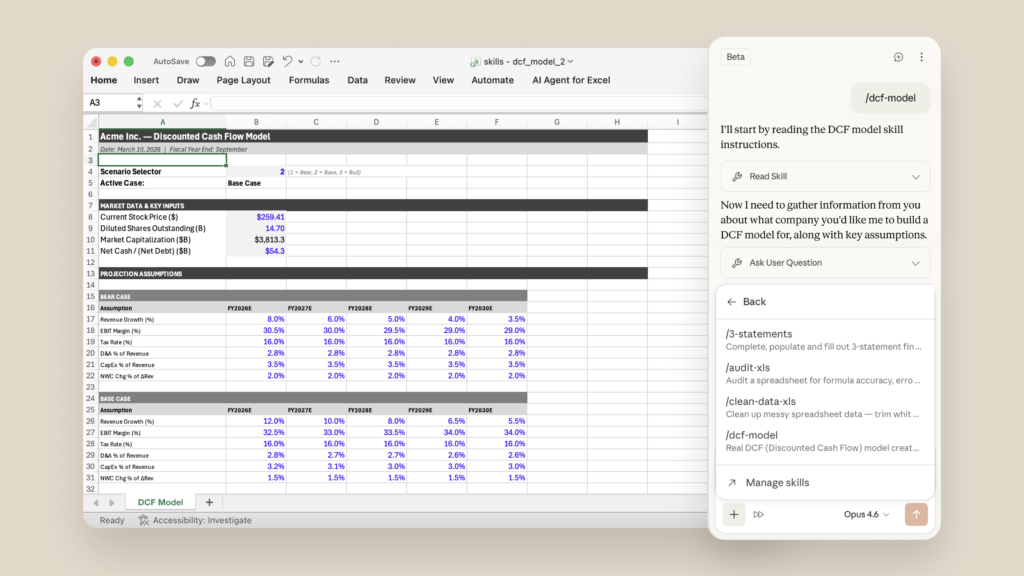
Official Claude product visual from Anthropic.
Claude Docs vs Claude Slides at a glance
| Capability | Claude Docs | Claude Slides |
|---|---|---|
| Primary output | Living rich-text documents | Presentation decks |
| Create from conversation context | Yes | Yes |
| Direct editing | Yes | Yes |
| Export | Word, PDF, Markdown, Google Docs | PowerPoint, PDF |
| Status in September 2026 | Beta on paid plans | Beta on paid plans |
Why the unified workflow is the real story
The most compelling use case is a multi-output workflow rather than a single prompt. Consider a quarterly business review. A team might connect the relevant files or apps, ask Claude to identify the important changes, create a written executive summary in Docs, then ask for a leadership presentation in Slides. Because both outputs are artifacts tied to the same context, revisions can happen without rebuilding the task from scratch.
A second example is product planning. Meeting notes can become a product requirements document, comments can be used to refine risks and ownership, and the approved narrative can then become a stakeholder deck. A third is research: a researcher can synthesize source material into a structured memo and then create a presentation version for a different audience.
This is where the unified Claude experience matters. Anthropic says connected apps such as Google Drive, Gmail, Microsoft 365 and Slack can supply context while Claude carries out work, subject to the user’s permissions. In practice, the value of Docs and Slides will depend less on flashy generation and more on whether users can trust that context, permissions and updates remain understandable as workflows get longer.
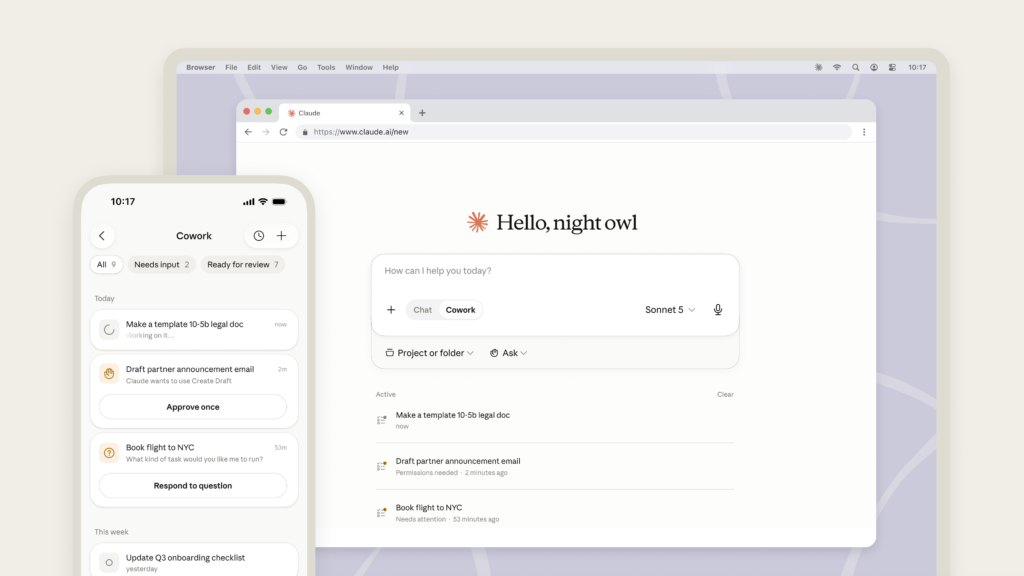
Official Claude product visual from Anthropic.
The limitations that matter before teams adopt it
Claude Docs is still a beta product, and Anthropic documents several limitations that matter in professional environments.
- No version history yet. That is a major gap for teams that need to compare revisions or recover an earlier state.
- No comment-only permission. Users can be viewers or editors, but there is no separate role for people who should comment without editing.
- Charts and diagrams are not live-linked. If the underlying connected data changes, users need to ask Claude to refresh the visual.
- External sharing is restricted on organization plans. Team and Enterprise docs cannot currently be shared outside the organization.
- Some enterprise security configurations are excluded. Anthropic says Docs is not yet available for organizations using customer-managed encryption keys, zero data retention or a HIPAA-ready configuration.
- Mobile is not full-featured. Users can view Docs in Claude’s iOS and Android apps, but template creation, editing and sharing-setting changes require web or desktop.
Those are not small details. They are the difference between a useful AI drafting environment and a fully mature system of record. Teams with strict audit, compliance or records-management requirements should treat Claude Docs and Slides as production tools only after checking their own governance needs.
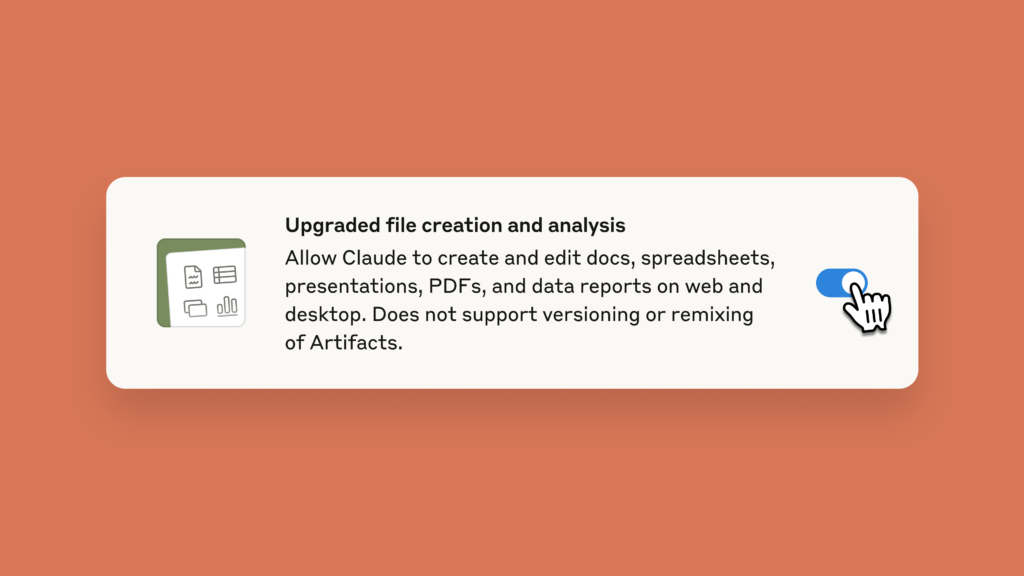
Official Claude product visual from Anthropic.
Privacy, permissions and governance deserve separate review
The shift from generated files to persistent collaborative artifacts changes the privacy conversation. A static file can be downloaded and moved into an organization’s existing document controls. A cloud artifact remains inside the Claude environment and may incorporate information from connected services.
Anthropic says Claude acts with the permissions of the person who asks it to work, and a user with view-only access should not be able to make Claude edit the document. That permission model is important, but teams should still decide which data belongs in Claude, which connectors are appropriate and whether the current logging and retention behavior meets internal policy.
For Enterprise users specifically, the current exclusions around CMEK, ZDR and HIPAA-ready configurations signal that Anthropic is still working through the requirements of highly controlled environments. The safest approach is to evaluate Docs and Slides as a new collaboration surface, not simply another export button.
Does this replace Microsoft Word, PowerPoint or Google Workspace?
Claude Docs and Slides put Anthropic closer to the territory occupied by Google Workspace and Microsoft 365, but the products are not equivalent yet. Google and Microsoft still have mature document lifecycles, granular permissions, version histories, templates, enterprise administration and deep ecosystem integrations built over many years.
Anthropic’s different bet is that the AI conversation becomes the organizing layer. Instead of opening a word processor, a presentation app and an AI assistant separately, the user starts with the outcome and lets Claude choose how to produce it. That can be faster for synthesis-heavy work, especially when the same context must feed several deliverables.
For now, the realistic framing is not “Claude replaces Office.” It is “Claude is becoming a workspace that can produce Office-compatible outputs.” The distinction matters because most organizations will still need existing document systems for final distribution, records management, advanced formatting and governance.
Who should care about Claude Docs and Slides?
Most interesting for:
- Consultants and analysts who repeatedly turn research into memos and decks.
- Product, operations and marketing teams that create several deliverables from the same source material.
- Executives who want a conversational way to move from analysis to a presentation-ready narrative.
- Small teams that value speed and do not need heavy document-management controls.
Less compelling today for:
- Organizations that require detailed version history or comment-only review workflows.
- Teams operating under security configurations that Anthropic does not yet support for Docs.
- Users who rely on complex PowerPoint or Word formatting and need pixel-level control from the start.
- Free-plan users expecting the full Docs and Slides beta immediately.
Frequently asked questions
Are Claude Docs and Claude Slides free?
No. Anthropic currently lists Claude Docs, Claude Slides and Claude Design as beta features on paid plans. The broader artifacts feature exists on Free, but the dedicated Docs and Slides tools are paid-plan features.
Can Claude Docs export to Microsoft Word?
Yes. Anthropic’s current help documentation lists Word (.docx), PDF, Markdown and Google Docs as export options for Claude Docs.
Can Claude Slides export to PowerPoint?
Yes. Anthropic says Claude Slides can export presentations to PowerPoint or PDF and can also present directly inside Claude.
Do people need a Claude account to open a shared artifact?
Yes. Anthropic’s current sharing documentation says people opening shared artifacts need a Claude account.
Is Claude Docs a replacement for Google Docs or Microsoft Word?
Not yet in a full feature-for-feature sense. Claude Docs is better understood as an AI-native collaborative drafting and synthesis workspace with exports into established document formats. Its missing version history and more limited permission model remain important differences.
Sources and methodology
This article is based on current documentation and announcements available on September 17, 2026. Digital Pulse Brief did not claim hands-on testing of the beta.
What this launch means
Claude Docs and Slides are a meaningful product shift because they move Claude closer to where knowledge work actually ends: a document someone can review, a deck someone can present and a link a team can share.
The launch does not make established office suites obsolete. What it does is reduce the distance between research, reasoning and deliverable creation. If Anthropic can add stronger history, permissions, governance and reliable enterprise controls without making the workflow cumbersome, the “one Claude” model could become a serious alternative starting point for everyday knowledge work.
For readers comparing Claude tiers, Digital Pulse Brief’s Claude Pro review covers the current paid-plan value proposition. Security-conscious teams should also see our analysis of Anthropic’s September 2026 threat report.
MORE FROM DIGITAL PULSE BRIEF