CYBERSECURITY & PRIVACY
Cisco SD-WAN CVE-2026-76504 Is Being Exploited: Fixed Versions, Detection Steps and What Admins Should Do Now
Cisco says attackers are already exploiting a 9.8 authentication-bypass flaw in Catalyst SD-WAN Manager. There is no full workaround: preserve evidence, move to a fixed release, and use Cisco TAC’s IOC process rather than waiting for a compromise to become obvious.
By Digital Pulse Brief Editorial Desk · Published October 3, 2026 · Research-based security analysis

Representative Cisco network infrastructure; CVE-2026-76504 affects Catalyst SD-WAN Manager software, not the pictured Catalyst 2950 switches. Photo: Jemimus / Wikimedia Commons, CC BY 2.0.
Quick answer
- Cisco says CVE-2026-76504 is being actively exploited. The flaw can let an unauthenticated remote attacker reach the Catalyst SD-WAN Manager API with administrator privileges.
- All Catalyst SD-WAN Manager deployments are affected regardless of configuration when they run a vulnerable release.
- There is no workaround that fully addresses the vulnerability. Cisco’s Live Protect shield, added to the advisory on October 2, is temporary partial protection only.
- The priority is evidence preservation followed by patching: collect admin-tech bundles from every Manager, upgrade to the first fixed release in the current train, then open a Severity 3 Cisco TAC case so the bundles can be scanned for indicators of compromise.
- Cisco-managed SD-WAN Cloud is different: Cisco says the issue was addressed in cloud release 20.15.605 and no customer upgrade action is required.
CVE-2026-76504 in one minute
CVE-2026-76504 is a critical authentication-bypass vulnerability in the API session-based authentication management of Cisco Catalyst SD-WAN Manager, formerly known as vManage. Cisco rates it 9.8 out of 10 under CVSS v3.1.
According to Cisco’s security advisory, improper handling of URI encoding can cause an authentication rule to be bypassed. A successful attack can give an unauthenticated remote attacker API access with administrator privileges. Cisco’s Product Security Incident Response Team says it became aware of exploitation in September 2026.
The practical issue is bigger than a high CVSS number. SD-WAN Manager is the centralized management plane for the SD-WAN environment. Administrative access there can expose configuration, orchestration and management functions that organizations normally treat as highly trusted.
Research basis: This is a source-based security explainer, not hands-on exploit testing. Digital Pulse Brief reviewed Cisco’s advisory and remediation guidance, the CVE record, and government cyber-security alerts before publication.
Why this vulnerability matters
Authentication bypasses are particularly serious when they sit in a management interface. Cisco says this bug requires no prior authentication, no user interaction and no existing privileges. It also says the vulnerable product is affected regardless of system configuration.
That does not mean every vulnerable installation has been compromised. It does mean administrators should treat the issue as an active incident-response problem rather than a routine “patch when convenient” update. New Zealand’s National Cyber Security Centre and Canada’s Cyber Centre both issued alerts after Cisco disclosed the flaw, and the Canadian advisory notes that CISA added CVE-2026-76504 to its Known Exploited Vulnerabilities catalog on September 30.
Affected and fixed Cisco SD-WAN Manager versions
Cisco says administrators should upgrade to the first fixed release in their current release train. Releases earlier than 20.9 have reached end of software maintenance and need to migrate to a fixed release.
| Current release train | First fixed release | What to do |
|---|---|---|
| Earlier than 20.9 | Migrate to a fixed release | Move to a supported fixed train with Cisco guidance where needed. |
| 20.9 | 20.9.10.1 | Upgrade within the 20.9 train. |
| 20.12 | 20.12.8.2 | Upgrade within the 20.12 train. |
| 20.15 | 20.15.6.1 | Upgrade within the 20.15 train. |
| 20.18 | 20.18.4.1 | Upgrade within the 20.18 train. |
| 26.1 | 26.1.2.1 | Upgrade within the 26.1 train. |
| 26.2 | 26.2.1 | Upgrade within the 26.2 train. |
For Cisco SD-WAN Cloud (Cisco Managed), Cisco says the vulnerability was addressed in release 20.15.605. Customers do not need to perform the upgrade themselves; Cisco says the service GUI’s Help function can be used to check current version or remediation status.
Important: Cisco’s remediation guide explicitly warns administrators not to jump to a higher major release simply to address this CVE unless Cisco TAC directs them to do so. Use the fixed release for the train you already run and check the control-component compatibility matrix.
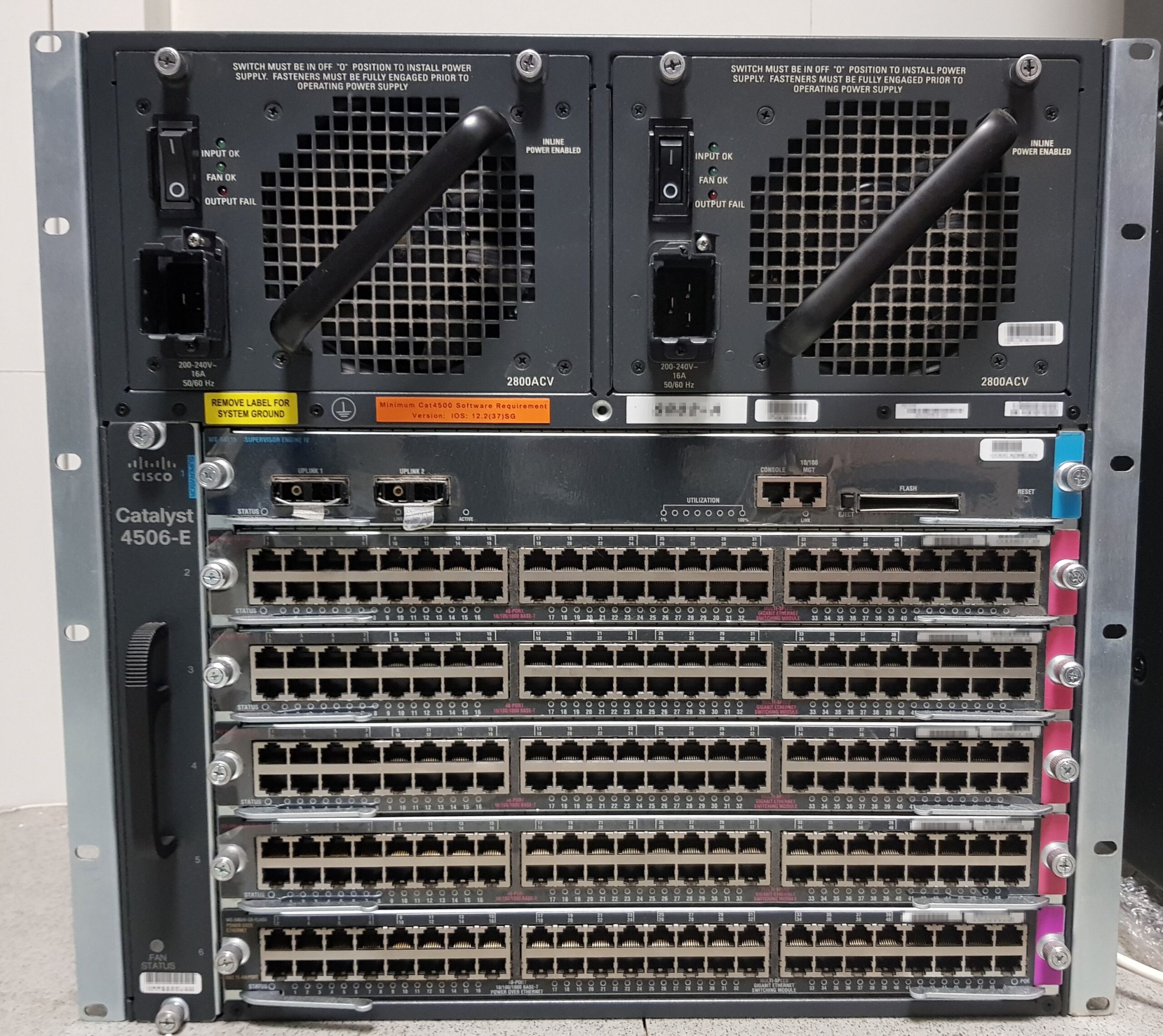
Representative Cisco network hardware; not a depiction of the vulnerable Manager software. Photo: X-Javier / Wikimedia Commons, CC BY-SA 4.0.
Cisco’s October 2 Live Protect update: useful, but not the fix
On October 2, Cisco updated the advisory to add a Live Protect shield for CVE-2026-76504. Cisco describes it as temporary security coverage intended to give organizations time to plan the software upgrade and preserve information needed for governance or compliance.
The distinction matters: Cisco says the shield provides only temporary partial protection. The vendor’s stated full remediation is still an upgrade to a fixed software release. Cisco also warns that applying the shield can interfere with a legitimate user login that uses URI encoding.
For on-premises deployments, Cisco separately recommends restricting access from unsecured networks such as the public internet. That reduces exposure, but Cisco does not classify it as a workaround that fixes the vulnerability.
What administrators should do now
Cisco’s own remediation document lays out a sequence designed to preserve evidence while closing the vulnerability quickly. The order is important.
1. Collect admin-tech bundles before upgrading
Collect admin-tech data from every Catalyst SD-WAN Manager, including cluster members and disaster-recovery nodes. This preserves diagnostic and forensic material that Cisco TAC can later scan for indicators of compromise.
If the environment is large, the evidence-preservation step should not become an excuse for a long patch delay. Cisco’s guidance is to collect the bundles, then move directly to the fixed software.
2. Upgrade all Managers to the first fixed release in the current train
Cisco says upgrading is the highest priority because it closes the vulnerability. Its remediation guide is unusually explicit: do not wait for TAC scan results before upgrading.
Before a production change, follow your normal change-management, backup and rollback procedures, then verify the target release against Cisco’s SD-WAN compatibility and upgrade documentation.
3. Reduce management-plane exposure while the upgrade is underway
For on-premises deployments, limit Manager access to trusted administration networks and remove unnecessary exposure from unsecured networks. Treat this as a risk-reduction measure, not a substitute for installing a fixed release.
4. Open a Cisco TAC case and upload the preserved data
Cisco asks customers to open a Severity 3 TAC case with CVE-2026-76504 in the case title, then upload all collected admin-tech bundles. TAC can scan them for indicators of compromise and provide upgrade or remediation guidance.
5. Follow the result, not assumptions
If TAC finds no indicators of compromise, Cisco says no further remediation beyond the completed upgrade is required for this advisory. If indicators are found, follow TAC’s environment-specific remediation instructions.
How to check for possible exploitation
Cisco’s preferred method is to preserve admin-tech bundles and have TAC scan them. That is more reliable than treating a single log line as proof of compromise.
For local review, Cisco’s advisory tells administrators to audit /var/log/nms/vmanage-server.log for suspicious j_security_check-related activity from unknown or unauthorized IP addresses, particularly where system service accounts beginning with viptela-reserved- appear.
Digital Pulse Brief is intentionally not reproducing the crafted request pattern shown in Cisco’s advisory. Defenders who need the exact vendor indicator should use Cisco’s original advisory and remediation document directly.
Practical takeaway: preserve logs and admin-tech data before the upgrade, patch promptly, then use Cisco’s IOC process to decide whether the incident ends at patching or needs broader containment and recovery.
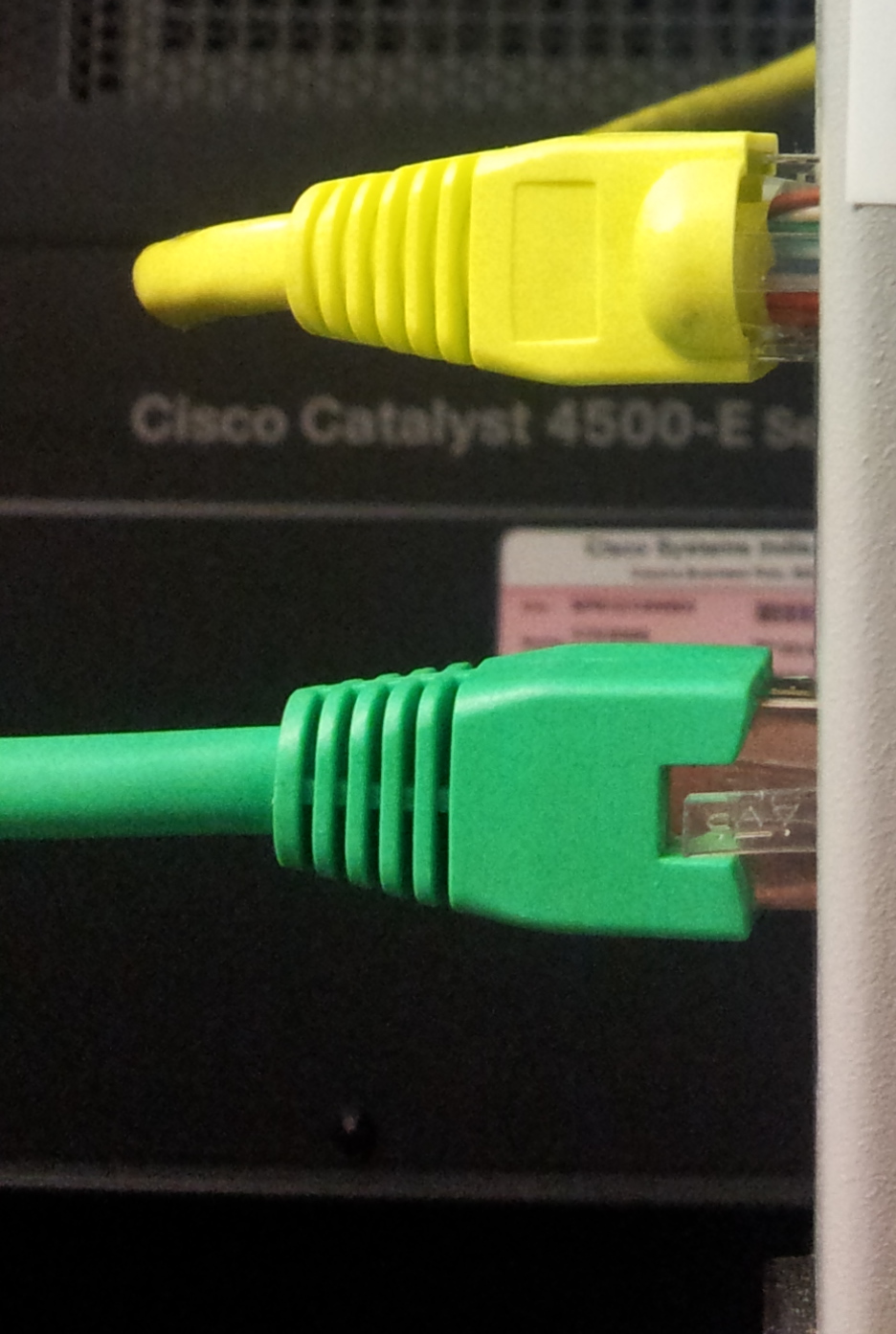
Representative Cisco Catalyst hardware. Photo: Ashwin Kumar / Wikimedia Commons, CC BY-SA 2.0.
Which SD-WAN components actually need the CVE fix?
Cisco’s remediation FAQ says only Catalyst SD-WAN Manager (vManage) is affected by this advisory. Controllers, Validators and edge routers do not need an upgrade specifically for CVE-2026-76504.
That does not remove compatibility considerations. Cisco tells customers to use the Control Component Compatibility Matrix so the fixed Manager release remains compatible with the other components in the deployment.
This scope is important because emergency patching can create avoidable operational risk when teams upgrade unrelated control-plane components without checking version pairings.
What the CISA KEV listing changes
Canada’s Cyber Centre says CISA added CVE-2026-76504 to the Known Exploited Vulnerabilities (KEV) Catalog on September 30. KEV inclusion is useful because it confirms that defenders are not dealing only with a theoretical bug: exploitation has been observed.
For U.S. federal civilian executive branch agencies, KEV entries are tied to CISA remediation requirements under federal directives. Private companies are not subject to that federal deadline simply because a CVE appears in KEV, but many security programs use the catalog as a high-priority patching signal.
What organizations should not do
- Do not treat Live Protect as permanent remediation. Cisco calls it temporary partial protection.
- Do not wait for TAC’s IOC scan before patching. Cisco explicitly tells customers to upgrade after collecting evidence.
- Do not discard or overwrite evidence first. Preserve admin-tech bundles before the software change.
- Do not jump major release trains without checking compatibility. Cisco says to remain within the current major train unless TAC advises otherwise.
- Do not assume internet restriction fixes the bug. Restricting exposure is a mitigation for on-premises systems, not a workaround that removes the vulnerability.
- Do not use a “clean” log review as the only compromise decision. Cisco’s preferred workflow is admin-tech collection plus TAC analysis.
How Catalyst SD-WAN Manager fits into the network
Cisco’s training material shows Catalyst SD-WAN Manager as the centralized management interface used to onboard and manage Cisco IOS XE routers across SD-WAN and related deployments. The official video below is an older product-management demonstration rather than a security advisory, but it helps explain why administrator-level access to the Manager is sensitive.
Official educational webinar from Learn with Cisco. Embedded for product-management context; it is not a CVE-2026-76504 security advisory.
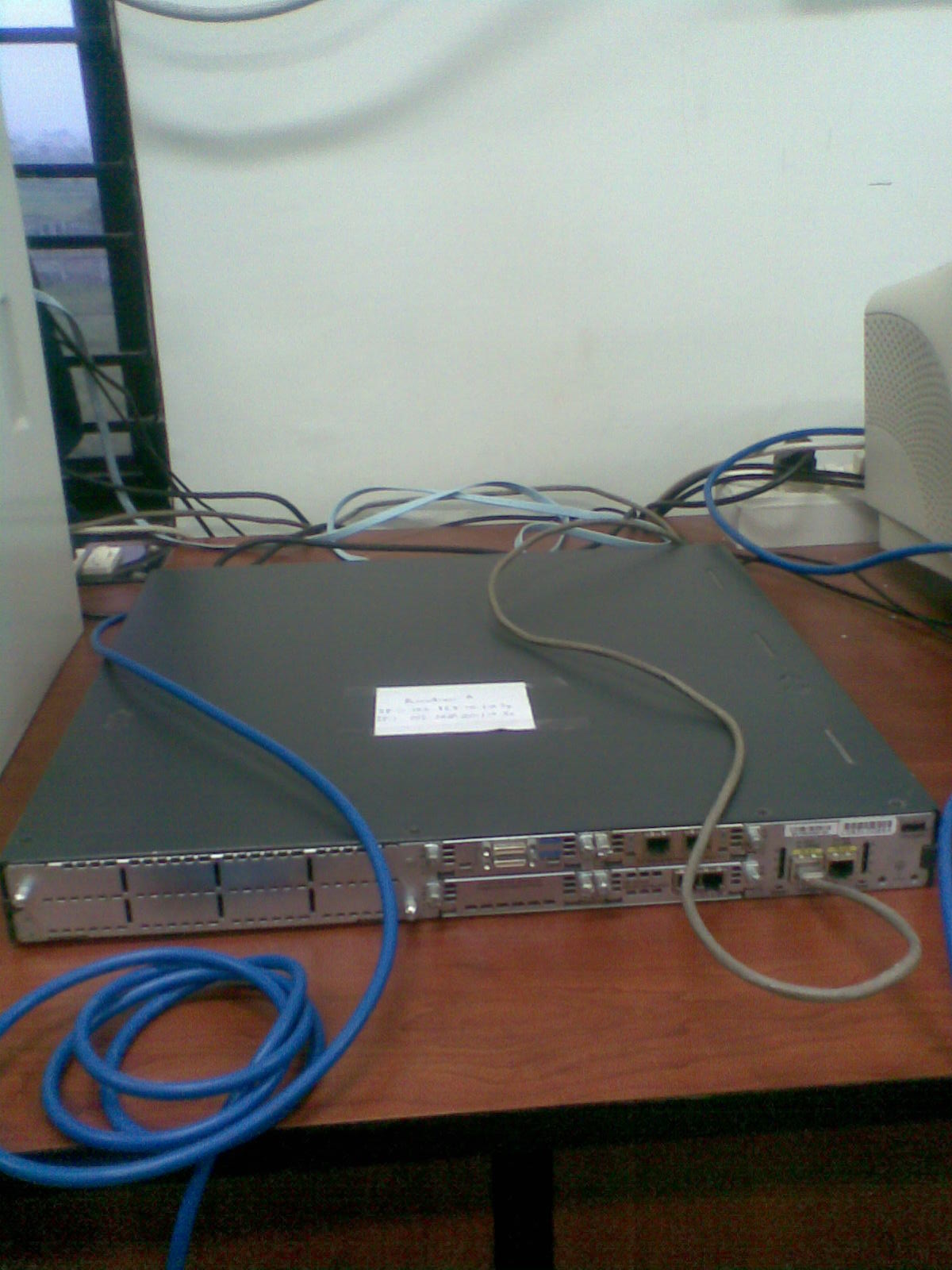
Representative Cisco router hardware; Cisco says edge routers do not require an upgrade specifically for this advisory. Photo: AsVw3 / Wikimedia Commons, CC BY-SA 3.0.
Frequently asked questions
Is CVE-2026-76504 actively exploited?
Yes. Cisco says its PSIRT became aware of active exploitation in September 2026. Government cyber-security agencies have also issued alerts referencing exploitation in the wild.
Is there a workaround for CVE-2026-76504?
No workaround fully addresses the vulnerability. Cisco offers a Live Protect shield as temporary partial protection and recommends restricting on-premises management access from unsecured networks, but says the only full remediation is upgrading to a fixed release.
What Cisco SD-WAN Manager versions are fixed?
The first fixed releases are 20.9.10.1, 20.12.8.2, 20.15.6.1, 20.18.4.1, 26.1.2.1 and 26.2.1. Releases earlier than 20.9 need to migrate to a fixed release.
Do Cisco-managed SD-WAN Cloud customers need to patch?
Cisco says no customer upgrade action is required for Cisco SD-WAN Cloud. The vulnerability was addressed in cloud release 20.15.605; customers can check the service GUI for current version or remediation status.
How can an organization tell whether its SD-WAN Manager was compromised?
Cisco recommends collecting admin-tech bundles from all Managers, upgrading immediately, then opening a Severity 3 TAC case with CVE-2026-76504 in the title so Cisco can scan those bundles for indicators of compromise. Cisco also provides log-review indicators in the advisory for teams that need local verification.
Sources and how we researched this article
Digital Pulse Brief checked the following primary and government sources before publication on October 3, 2026:
- Cisco Security Advisory: CVE-2026-76504 — severity, exploitation status, affected/fixed releases, Live Protect update and vendor IOC guidance.
- Cisco remediation guide — admin-tech collection, upgrade order, TAC workflow and component scope.
- CVE.org record for CVE-2026-76504.
- New Zealand NCSC alert.
- Canadian Centre for Cyber Security advisory AV26-978.
We did not perform exploit testing and do not present third-party benchmark or attack data as our own.
Related Digital Pulse Brief reading
For a separate enterprise incident-response example, see our coverage of the Microsoft Storm-3168 Azure service-principal attack. For broader resilience planning, our ransomware prevention and response guide and zero-trust security explainer provide additional context. You can also browse the Cybersecurity & Privacy archive.
Corrections: Security guidance can change quickly. If Cisco updates fixed releases, exploitation details or remediation instructions, Digital Pulse Brief will update this article. Readers can report a factual issue through our Contact page or review our Editorial Standards.
DIGITAL PULSE BRIEF NEWSLETTER
Get clear AI, technology and business insights in your inbox
Breaking developments, practical explainers, reviews and useful tech intelligence — without the noise.
WHAT TO READ NEXT
Microsoft Storm-3168 Azure Attack: How Compromised Service Principals Deleted Cloud Resources — and How to Defend  NVIDIA OpenShell and Sentry Explained: AI Agent Security, Requirements and Limits
  VPN vs Proxy vs Tor: What Each One Hides, What It Does Not and Which Privacy Tool Fits
MORE FROM DIGITAL PULSE BRIEF