Passkeys Explained: How They Work, Why They Resist Phishing and What Can Still Go Wrong

A passkey is a password replacement built on public-key cryptography. Instead of typing a shared secret that can be stolen or reused, your device proves possession of a private key while the service stores the matching public key.
How a passkey works
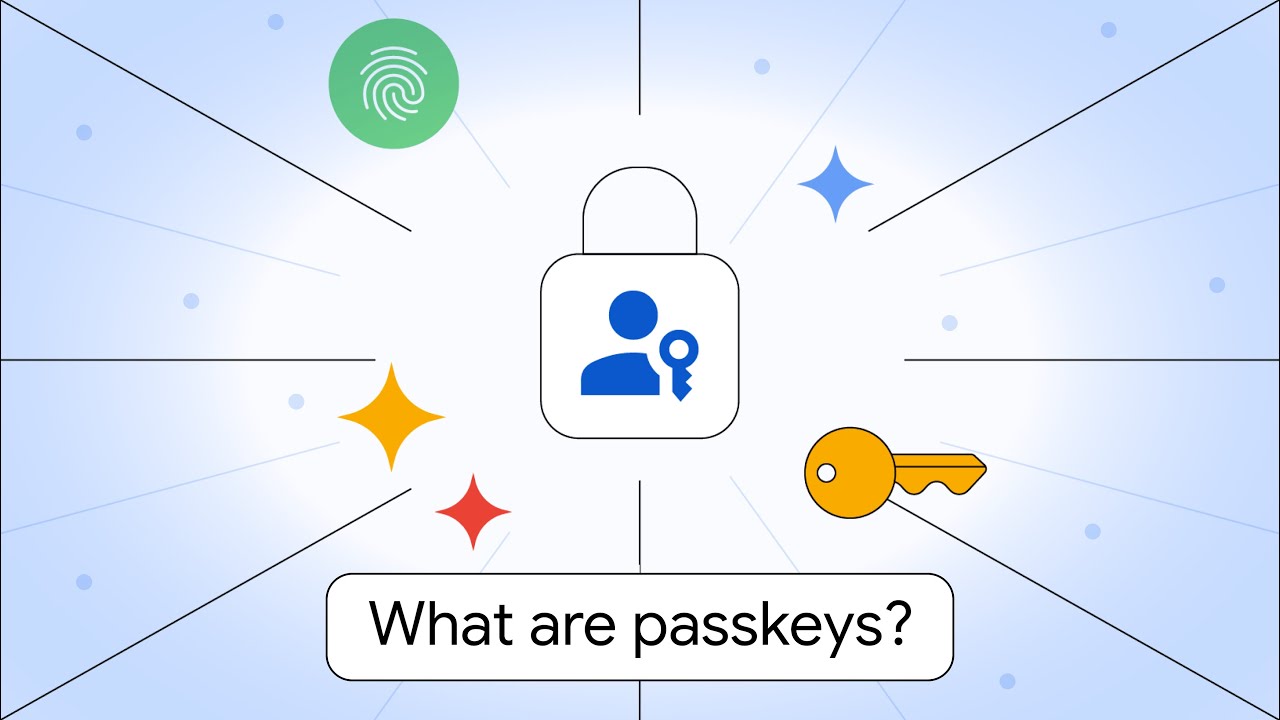
When you create a passkey, your device or credential provider generates a cryptographic key pair for that specific service. The private key stays under your control; the website receives the public key. At sign-in, the service sends a challenge and your device signs it after you unlock the credential with a PIN, fingerprint, face recognition or security key.
Why passkeys resist phishing
FIDO passkeys are bound to the legitimate service domain. A look-alike phishing site cannot simply ask you to type the credential into a fake form because there is no reusable password to reveal. FIDO classifies synced and device-bound passkeys as phishing-resistant authentication.
Passkeys vs passwords vs SMS codes
| Method | Reusable secret | Phishing resistance | User action |
|---|---|---|---|
| Password | Yes | Low | Type password |
| Password + SMS OTP | Yes + code | Limited | Type password and code |
| Passkey | No shared password | High by design | Unlock credential |
Synced vs device-bound passkeys
Synced passkeys can move securely across a user’s devices through a passkey provider. Device-bound passkeys remain on a particular authenticator such as a hardware security key. Device-bound hardware-backed credentials can provide higher assurance for sensitive accounts, while synced passkeys prioritize recovery and convenience.
Where biometrics fit
Your fingerprint or face is normally used locally to unlock the credential. FIDO states that biometric information stays on the device; the remote service receives assurance that local verification succeeded, not your biometric template.
What passkeys do not solve
Passkeys greatly reduce credential phishing, but they do not make an account invulnerable. Malware on an unlocked device, compromised recovery channels, social engineering of support staff, stolen authenticated sessions and weak authorization can still matter. Security must cover login, recovery and post-login activity.
Should you use passkeys?
For mainstream accounts that support them, passkeys are generally a strong upgrade over password-only login and over many phishable MFA flows. Keep recovery methods secure, protect your device account and retain a second trusted device or hardware key for important accounts.
Passkey setup checklist
- Enable a screen lock and device encryption.
- Use passkeys on high-value accounts first.
- Secure the cloud account that syncs credentials.
- Review account-recovery options.
- Keep a backup authenticator for critical services.
- Remove obsolete passwords only when the service’s recovery model is clear.
Passkeys in the post-quantum conversation
In September 2026, FIDO highlighted industry discussion around how passkey ecosystems will evolve in a post-quantum era. That is a standards and migration question, not evidence that today’s passkeys are suddenly unsafe for ordinary use.
FAQ
Can a passkey be phished?
The FIDO authentication ceremony is designed to be phishing-resistant because credentials are bound to the legitimate relying-party origin. Other parts of an account, especially recovery and active sessions, can still be attacked.
What happens if I lose my phone?
Recovery depends on the passkey provider and whether the credential is synced or device-bound. A second device or hardware key is useful for critical accounts.
How passkey recovery changes the threat model
Passkeys remove a major weakness of passwords—the reusable secret—but recovery still matters. If an attacker can take over the cloud account that syncs passkeys, convince support to reset an account, or hijack an already authenticated session, strong login cryptography cannot solve the entire problem. High-value accounts should therefore protect recovery channels with the same care as the primary sign-in method.
Synced passkeys and hardware security keys serve different needs
Synced passkeys are designed for convenience across a user’s devices. Device-bound credentials, including hardware security keys, keep the credential on a particular authenticator. For ordinary consumer accounts, synchronization can make adoption and recovery easier. For administrators, finance teams and other high-risk roles, organizations may prefer device-bound credentials or managed authenticators because they provide tighter control over where credentials exist.
What changes for IT and security teams
- Enrollment: define which authenticator types are allowed for sensitive roles.
- Recovery: test what happens when a user loses every enrolled device.
- Offboarding: revoke account access and managed credentials when employment ends.
- Device management: understand whether passkeys are synced through personal or enterprise-controlled accounts.
- Fallback methods: remove weak recovery options that undermine a stronger passkey login.
Passkeys do not eliminate session security
After authentication, websites still rely on sessions, cookies and authorization rules. Malware, browser compromise or stolen session tokens can bypass the need to re-enter a credential. Services should protect important actions with re-authentication, risk checks and short session lifetimes where appropriate.
A practical adoption plan
- Start with accounts that already support passkeys well.
- Enroll at least two recovery-capable authenticators for critical accounts.
- Keep device operating systems and browsers updated.
- Review old SMS or email recovery methods.
- For enterprise use, document which passkey providers and authenticator classes are approved.
- Train users that a passkey prompt should still be unexpected if they did not initiate a sign-in.
Passkeys are a major improvement in phishing resistance, but the strongest deployment treats authentication, recovery, device security and session protection as one system rather than four separate problems.
Sources
Related: Zero Trust security explained · device-code phishing report