What Is an AI PC? NPU, TOPS and Copilot+ PC Requirements Explained

An AI PC is a personal computer with hardware designed to accelerate AI workloads locally, usually including a neural processing unit (NPU) alongside the CPU and GPU. The term is broad; Microsoft’s Copilot+ PC label is more specific and has defined hardware requirements.
CPU vs GPU vs NPU
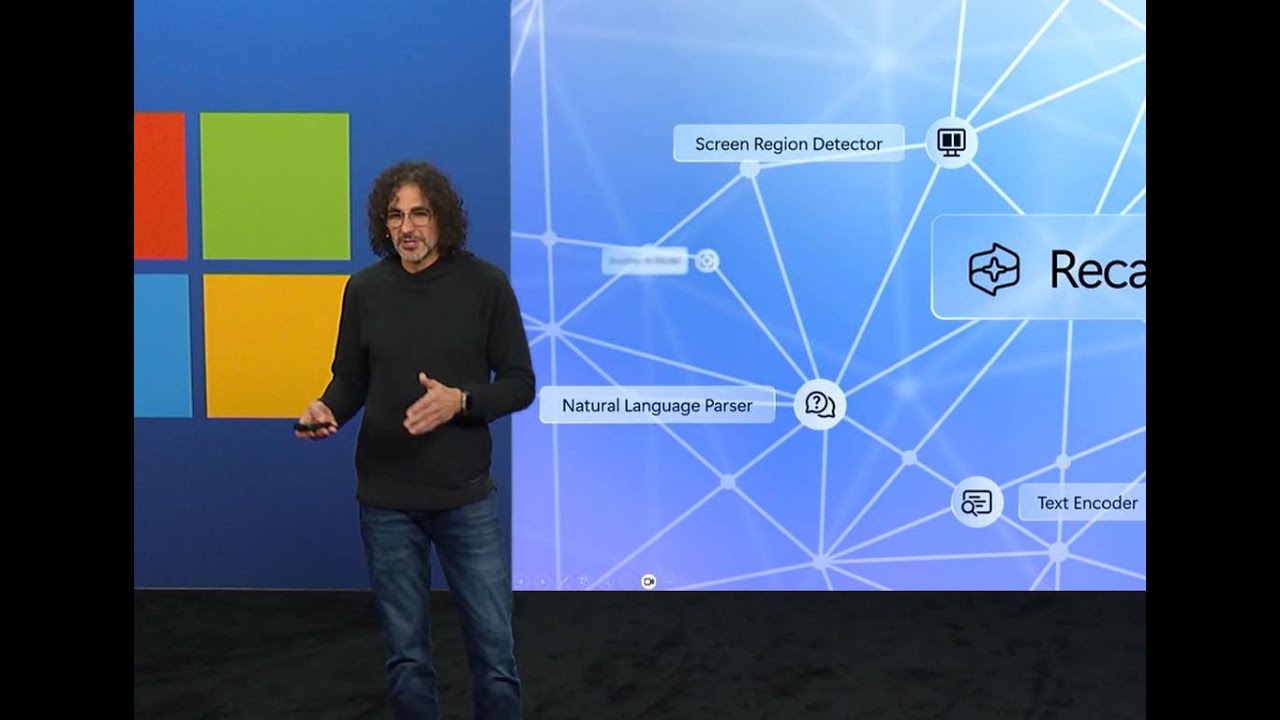
The CPU handles general-purpose computing and system logic. The GPU excels at highly parallel workloads such as graphics and many AI calculations. The NPU is designed for efficient neural-network inference, especially sustained on-device tasks where power consumption matters.
What does TOPS mean?
TOPS means trillions of operations per second. It is a headline measure of AI acceleration capability, but it is not a complete benchmark. Model architecture, memory bandwidth, precision, software optimization and supported operators can change real-world performance.
Copilot+ PC requirements
Microsoft’s current Windows 11 specifications define Copilot+ PCs around a compatible processor or SoC with an NPU capable of 40+ TOPS, plus at least 16 GB of RAM and 256 GB of storage. Supported processor families include current Snapdragon X, AMD Ryzen AI and Intel Core Ultra lines identified by Microsoft.
What an NPU is good at
- Background camera and audio effects
- On-device transcription and translation
- Small local language or vision models
- Image enhancement and semantic processing
- Always-on AI tasks where battery efficiency matters
Not every AI workload should run on the NPU. Large generative models may still rely on GPUs or cloud infrastructure, while the CPU remains essential for orchestration and general software.
Local AI vs cloud AI
| Local AI | Cloud AI |
|---|---|
| Can work with lower latency | Can access much larger models |
| May keep data on device | Requires data transfer to service |
| Limited by local hardware | Scales with data-center compute |
| Can work offline for supported tasks | Usually needs connectivity |
Does 40 TOPS mean a PC is fast?
It means the NPU meets a particular AI-throughput threshold; it does not tell you overall PC speed. For gaming, rendering, compiling or heavy creative work, CPU and GPU performance, thermals, memory and storage can matter more.
Should you buy an AI PC in 2026?
Buy for the whole computer, not the AI badge alone. An NPU is increasingly useful as Windows and applications add local AI features, but display quality, battery life, keyboard, ports, RAM, storage, GPU and price remain central. If your workflow depends on a specific AI feature, verify that feature’s processor, region and software requirements before buying.
AI PC buying checklist
- Check NPU TOPS and supported AI features.
- Confirm at least 16 GB RAM for a modern premium Windows laptop; heavier workloads may justify more.
- Prioritize battery and thermals for mobile use.
- Check GPU needs separately from NPU needs.
- Verify app support for local acceleration.
- Do not assume every “AI PC” is a Copilot+ PC.
FAQ
Is an NPU required for Windows 11?
No. An NPU is not a general Windows 11 requirement, but specific Copilot+ PC experiences require qualifying hardware.
Can an AI PC run ChatGPT offline?
Cloud services such as ChatGPT normally require connectivity. An AI PC can run compatible local models and features, but that is different from running every cloud AI service offline.
What the NPU changes—and what it does not
An NPU is optimized for sustained AI inference at lower power than a CPU or discrete GPU for many supported workloads. That can improve battery-friendly features such as background transcription, camera effects and local model execution. It does not replace a powerful GPU for every AI task, and it does not make ordinary CPU workloads faster.
Why TOPS is an incomplete buying metric
TOPS measures a theoretical rate of operations, usually at a particular numerical precision. Two NPUs with similar TOPS can behave differently because software support, memory bandwidth, model architecture, drivers and thermal limits also matter. Buyers should treat TOPS as a capability threshold, not a complete performance score.
Copilot+ PC is a specific Microsoft class
As of September 2026, Microsoft’s published requirements call for a compatible processor with an NPU capable of 40+ TOPS, at least 16 GB of memory and 256 GB of storage. Microsoft also lists supported processor families, and individual Copilot+ features can have additional availability or software requirements. A machine marketed broadly as an “AI PC” is not automatically a Copilot+ PC.
Local AI has privacy and latency advantages—but limits too
Running a model locally can reduce the need to send data to a remote service and can work with lower latency or without a network connection for supported tasks. The trade-off is model size and hardware capacity. Cloud services can run larger models and scale compute on demand, while local devices are constrained by memory, power and thermal design.
What matters more than the AI badge
- Memory: local AI, creative work and multitasking can all compete for RAM.
- GPU: important for gaming, 3D, video and many heavier AI workloads.
- Battery and thermals: determine whether sustained performance is useful in a thin laptop.
- Software support: confirm that the apps you use actually accelerate on the NPU.
- Display, ports and keyboard: still matter every day even if they do not appear in AI marketing.
Buying framework for 2026
If two systems are otherwise similar, stronger NPU support can improve longevity as more applications add local inference. But paying a large premium only for a higher TOPS number rarely makes sense without a workflow that can use it. Start with the applications you run, then check CPU, GPU, memory, storage, display and battery, and treat the NPU as one part of the platform.
Sources
Related: Best AI laptops 2026 · Gemini for Windows