PREMIUM TECH · GOOGLEBOOK 2026
Googlebook 2026: Price, Specs, Release Date and the Android Trade-Off
Googlebook pre-orders opened on September 21 with prices starting at $899. The more important story is not the hardware: Google is moving Android onto premium laptops, tying Gemini directly to the desktop and betting that Android-phone continuity can become a reason to choose its platform over Windows or macOS.
Published September 21, 2026 · Research-based analysis using Google, OEM and independent sources · No hands-on testing claimed

A Googlebook in a real-world use setting from Google’s official product materials. Source: Google. Used as an official Google product visual for informational/news reporting.
Quick answer
Googlebook is a new premium laptop platform built on Android technology with desktop foundations inherited from ChromeOS. Google says the first five systems come from Acer, ASUS, Dell, HP and Lenovo, with pre-orders open now. Retail availability begins October 4 in the U.S. and October 5 in Canada, the U.K., Ireland, France, Germany and Australia.
The platform is most compelling for people already committed to Android because features such as Continue On, phone-file access and Cast My Apps are central to its pitch. There is a catch: those cross-device features require a supported phone running Android 17 or later.
Buying advice: treat Googlebook as a new operating-system ecosystem, not simply a premium Chromebook with Gemini added. Before pre-ordering, verify your must-have desktop apps, peripherals and phone compatibility. The hardware is already credible; software fit is the bigger unknown.
What Google launched on September 21
Google is not selling a single Google-made laptop. It is defining a platform and a hardware tier, then letting established PC makers build the machines. The first wave spans Acer, ASUS, Dell, HP and Lenovo. That structure resembles Android phones more than the old Pixelbook strategy: Google owns the operating-system experience and update path, while OEMs differentiate the chassis, displays, ports, processors and battery capacity.
Google’s baseline is deliberately premium. The company says the portfolio starts with 16GB of RAM, Intel Core Ultra Series 3 or Qualcomm Snapdragon X Elite processors, NPUs above 45 TOPS, touch displays reaching 2.8K, haptic trackpads and premium materials such as aluminum, magnesium alloy and carbon fiber. Google also promises regular feature drops and updates for up to 10 years.
That positioning matters. Chromebook built its reputation around simplicity and value; Googlebook starts at $899 and competes in the part of the market where buyers expect excellent displays, long battery life, strong app support and polished phone integration. Reuters noted that the timing also puts Googlebook into a more crowded premium-laptop fight rather than the low-cost Chromebook lane.
Googlebook prices and specs we could verify today
These are official U.S. figures available on September 21. They are not benchmark results, and battery numbers are manufacturer claims measured under controlled conditions.
| Model | Verified U.S. price | Processor | Display | Memory / storage | Claimed battery |
|---|---|---|---|---|---|
| Acer Googlebook | $899 | Intel Core Ultra 5 325 | 14" 2880×1800 OLED, 120Hz, convertible | 16GB / 512GB | Up to 16h |
| XPS Googlebook | $1,199 | Snapdragon X Elite X1E-80-100 | 13.4" 2560×1600 IPS, 30–120Hz VRR | 16GB / 512GB | Up to 18h |
| Lenovo Googlebook | $1,349 | Intel Core Ultra 5 325 | 15.3" 2880×1800 OLED, 120Hz | 16GB / 512GB | Up to 13h |
| HP Googlebook 14 | From $1,199.99 | Snapdragon X Elite | Up to 3K OLED touch, 120Hz | Up to 32GB / 1TB | Up to 19h under HP test |
One spec discrepancy is worth flagging. Google’s broad platform page advertises Googlebook as starting with 256GB of storage, while the U.S. Google Store listings currently available for Acer, XPS and Lenovo show 512GB. That is a good reason to judge the exact retail configuration rather than assuming every Googlebook shares one storage floor.
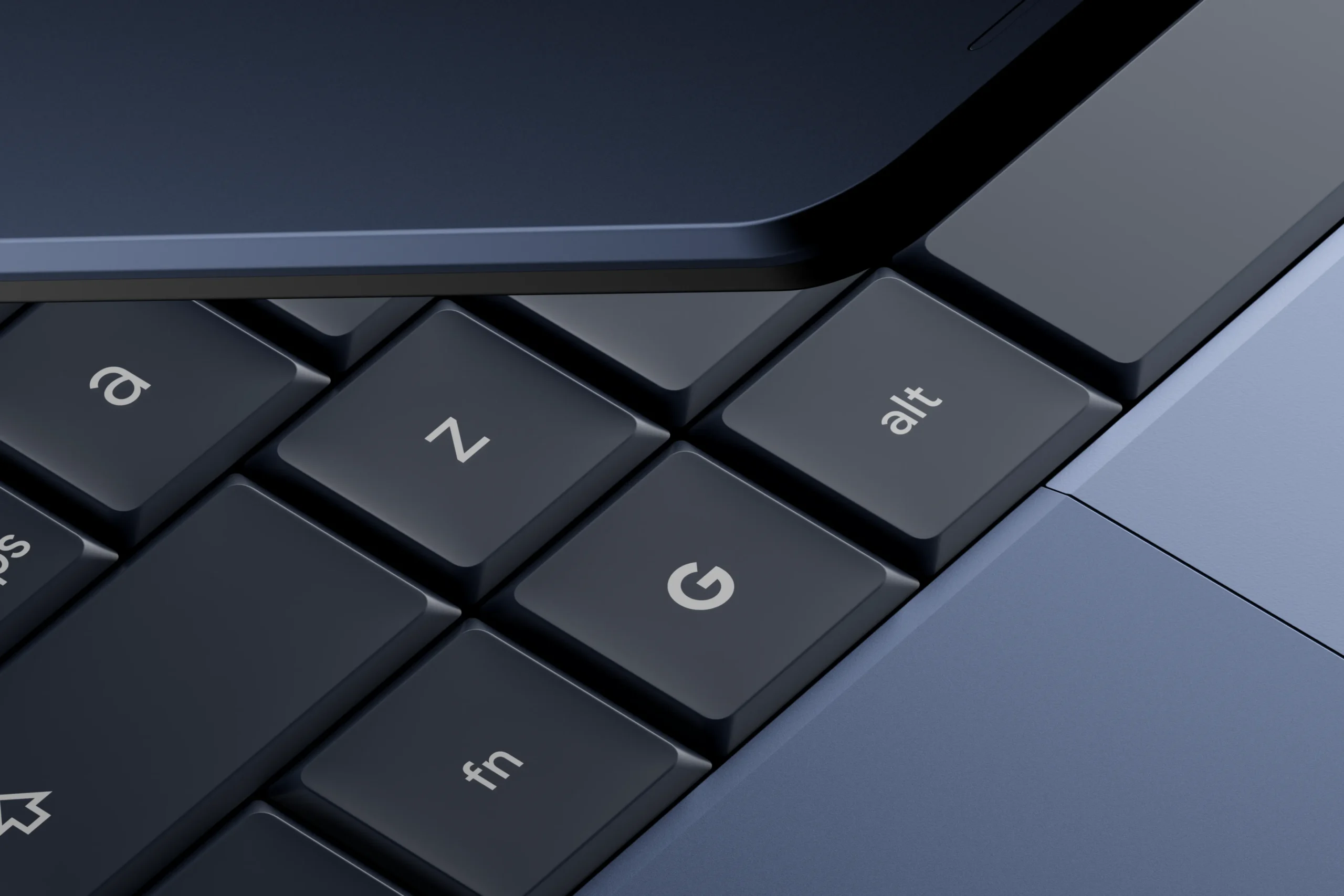
The dedicated G key is one of the platform-level hardware cues shared across the Googlebook experience. Source: Google. Used as an official Google product visual for informational/news reporting.
Googlebook is not just a more expensive Chromebook
The easiest way to misunderstand Googlebook is to describe it as “ChromeOS plus Gemini.” Google says the new platform is built on the Android technology stack while retaining desktop foundations from ChromeOS. That changes the center of gravity: Play Store apps are native citizens, Android UI conventions carry across, and Google can reuse Gemini Intelligence work already built for phones.
Chrome still matters. Googlebook includes the desktop-class Chrome browser with extensions, and some Google services may deliberately use web experiences when those make more sense on a laptop. In an early hands-on, 9to5Google found that Gmail and Calendar opened as web-based experiences rather than simply stretching their phone apps across a large screen. That is a useful clue about Google’s strategy: Googlebook is not “phone apps everywhere.” It is a mix of web, Android and Linux chosen per workload.
Google has also said Googlebook will coexist with Chromebooks rather than immediately replacing them. That distinction is logical. ChromeOS remains a mature option for education, managed fleets and lower-cost computing, while Googlebook is being pitched as a premium, Android-first personal-computing ecosystem.
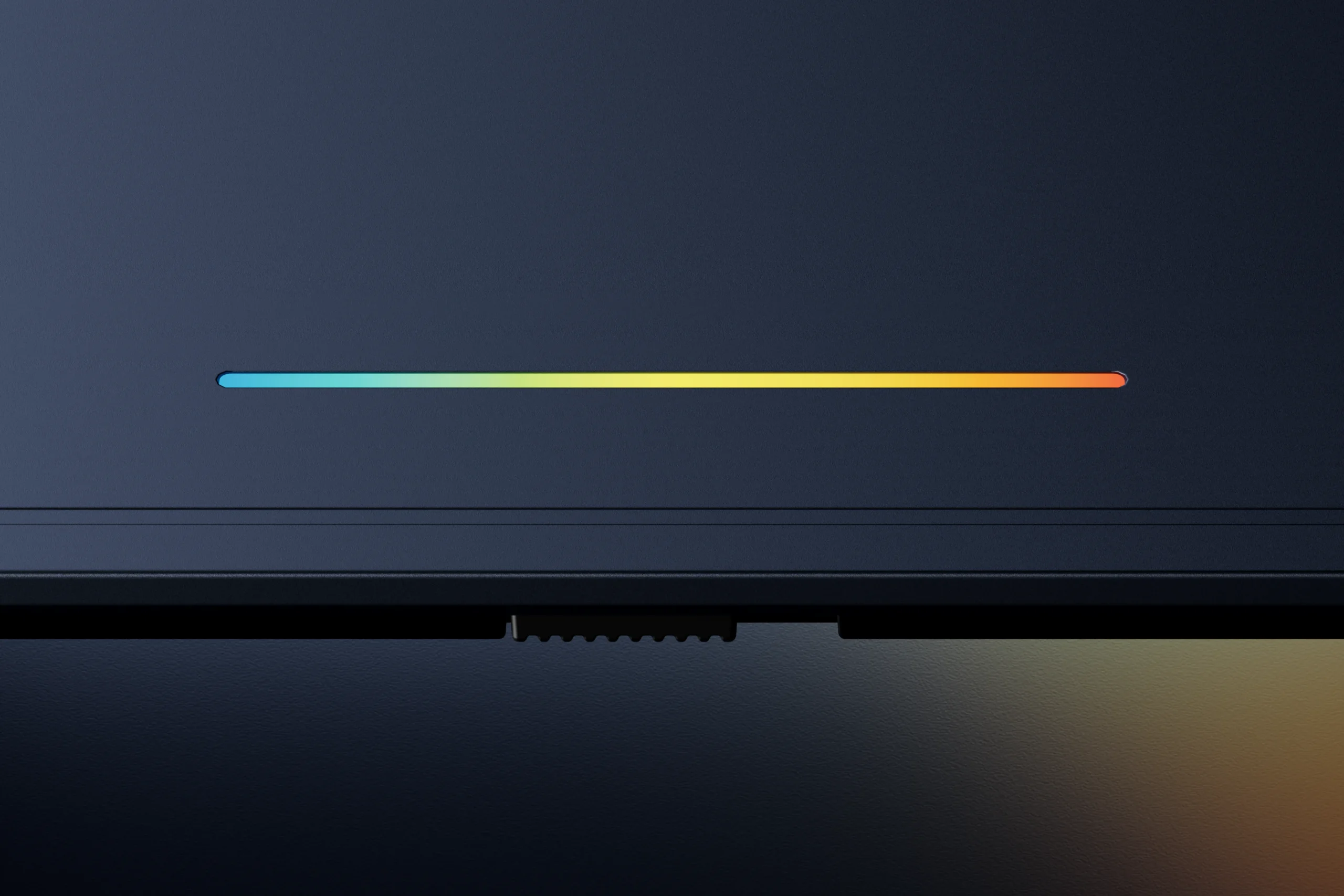
The Glowbar shows startup, charging and battery-state animations and can react when Gemini is being used. Source: Google. Used as an official Google product visual for informational/news reporting.
Android continuity is the feature that could matter more than Gemini
Google’s strongest product argument is mundane in the best possible way: make an Android phone and laptop behave like parts of the same computer.
Continue On can hand a supported task from phone to laptop. Quick Access / Files can expose phone files from the laptop’s file browser. Cast My Apps can stream a phone app into a desktop window without installing that app on the Googlebook. During setup, Google says settings, saved passwords, Wi-Fi networks and messages can move across with end-to-end encryption.
That is the part of Googlebook that directly attacks a long-standing advantage of Apple’s Mac-and-iPhone combination. It also creates the clearest limitation: Google’s own footnotes say the key cross-device features require setup and a supported phone running Android 17 or above. If your phone is older, receives Android 17 late, or is not supported, a major piece of the Googlebook value proposition disappears.
App handoff will also depend on what individual applications support. “Android compatible” should not be read as “every workflow will transfer perfectly.” Buyers should verify the specific apps they use rather than treating ecosystem continuity as universal.
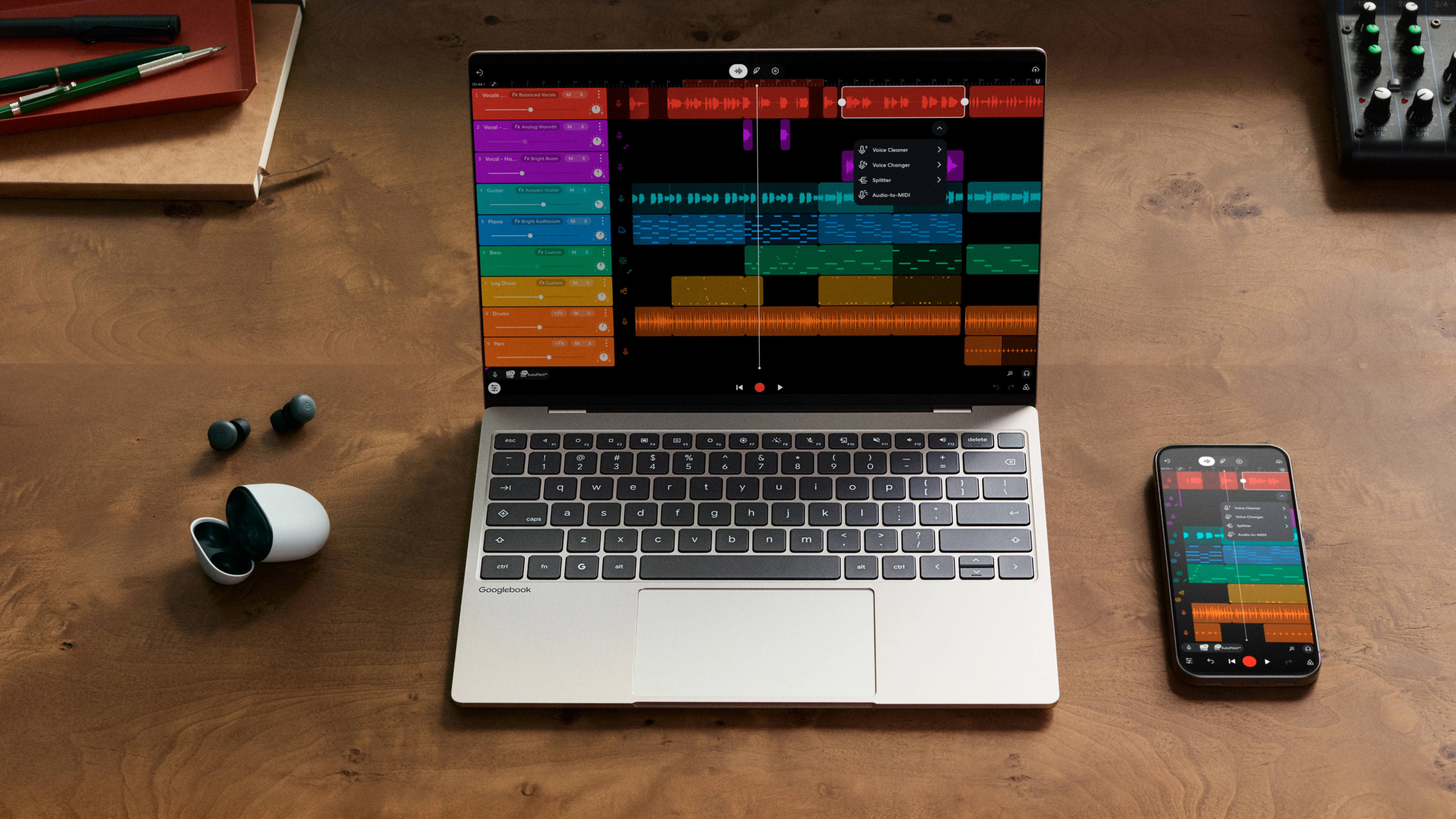
Google’s official visual illustrates the phone-to-laptop continuity Googlebook is built around. Source: Google. Used as an official Google product visual for informational/news reporting.
What Gemini actually changes on the desktop
Googlebook’s AI features are deeper than a chatbot pinned to the taskbar, but they are not all the same kind of computing.
Magic Pointer is contextual: wiggle the pointer, select something on screen and ask Gemini to work with that content. Google’s examples include turning a training plan into calendar entries, translating text and combining selected images. Google says the feature only activates when summoned and can be switched off.
Rambler is dictation with interpretation. Instead of transcribing every filler word, it can clean spoken notes, organize action items and handle multilingual speech. Create My Widget generates desktop widgets from a natural-language description. Gemini Spark is positioned for longer-running background tasks, including work that can continue when the laptop is closed.
The dedicated NPU matters because part of this system uses local inference, but “45+ TOPS” does not mean every Gemini request runs entirely on the laptop. Google’s own availability notes require internet access for some AI features, limit certain functions to users 18 or older, and warn users to check responses for accuracy. The practical takeaway is to evaluate the workflow, not the TOPS number.
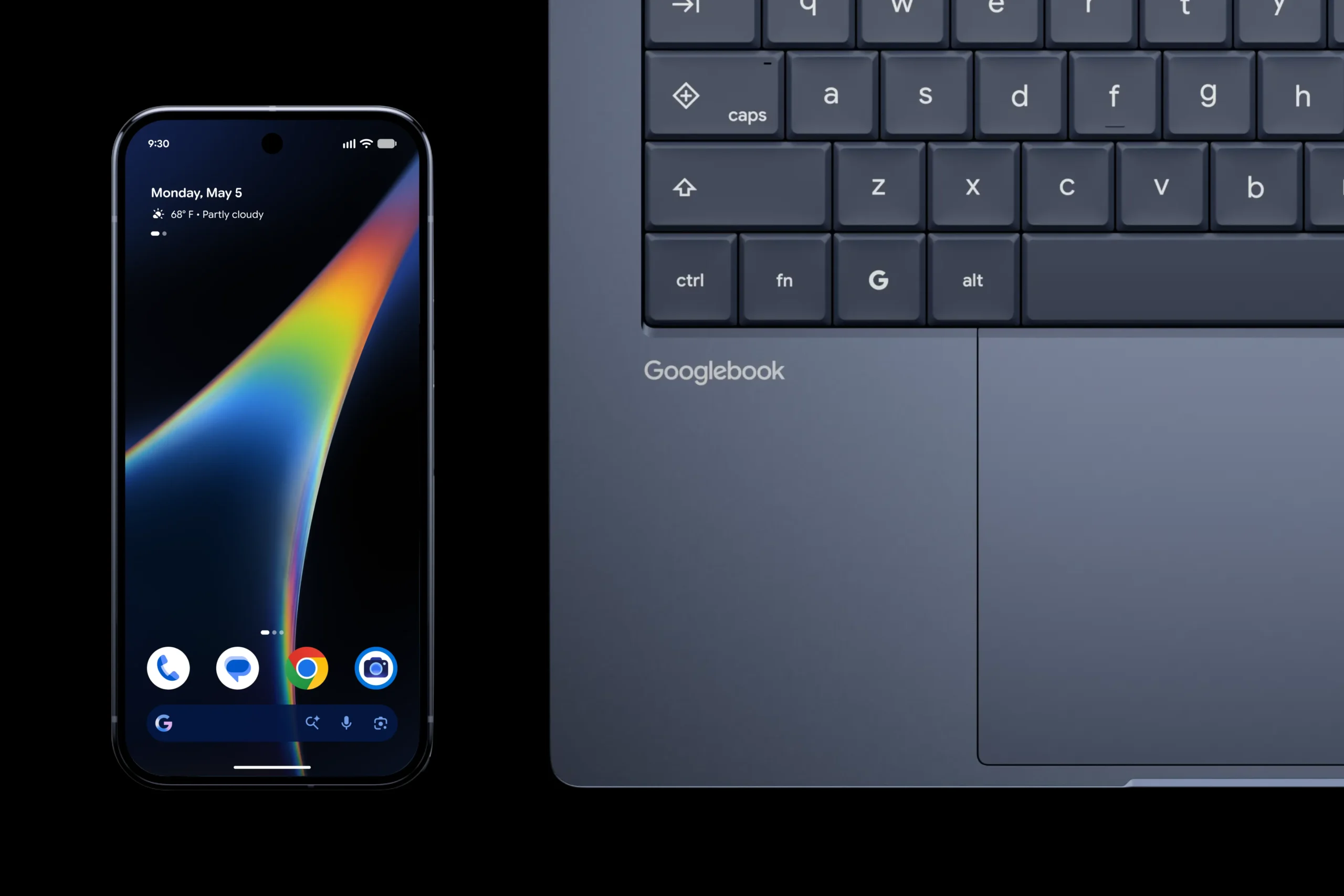
Google positions Googlebook as the laptop counterpart to an Android phone. Source: Google. Used as an official Google product visual for informational/news reporting.
The software question matters more than the spec sheet
Googlebook can cover a wider range of work than a traditional browser-first Chromebook. It has full Chrome with extensions, access to Play Store apps, Android creative tools such as Photoshop, Lightroom and CapCut, and a Linux terminal for developer workflows. Google also advertises Microsoft 365 document compatibility through its app.
That still does not make Googlebook a drop-in replacement for every Windows or macOS workstation. A professional workflow can depend on one desktop-only application, a hardware driver, a browser plug-in, an enterprise security agent, a niche printer utility or an Adobe/creative plug-in that has no equivalent on the new platform. The Verge’s first-day reporting similarly points to desktop-app gaps as the main adoption risk even while praising the Android integration.
If you live mainly in Chrome, Google Workspace, Android apps and cloud services, that gap may be small. If your income depends on a specific Windows or macOS program, verify it before buying. “The file opens” and “the workflow is fully supported” are not the same thing.
Developers get a serious Linux path — with isolation
Googlebook includes Antigravity, Google’s agent development environment, plus a full Linux terminal. Google says the Linux environment runs behind a Level 5 security-certified pKVM hypervisor, separating it from the host OS while still supporting tools such as Claude Code and Antigravity CLI.
That is a meaningful change from treating Android laptops as consumption devices. It gives developers a credible command-line path and creates room for local or hybrid agentic tooling. The remaining questions are practical ones: container performance, USB and device access, IDE behavior, enterprise VPN support and how well long-running development workloads behave across Intel and Snapdragon models. Those are areas that need independent testing once retail hardware ships.
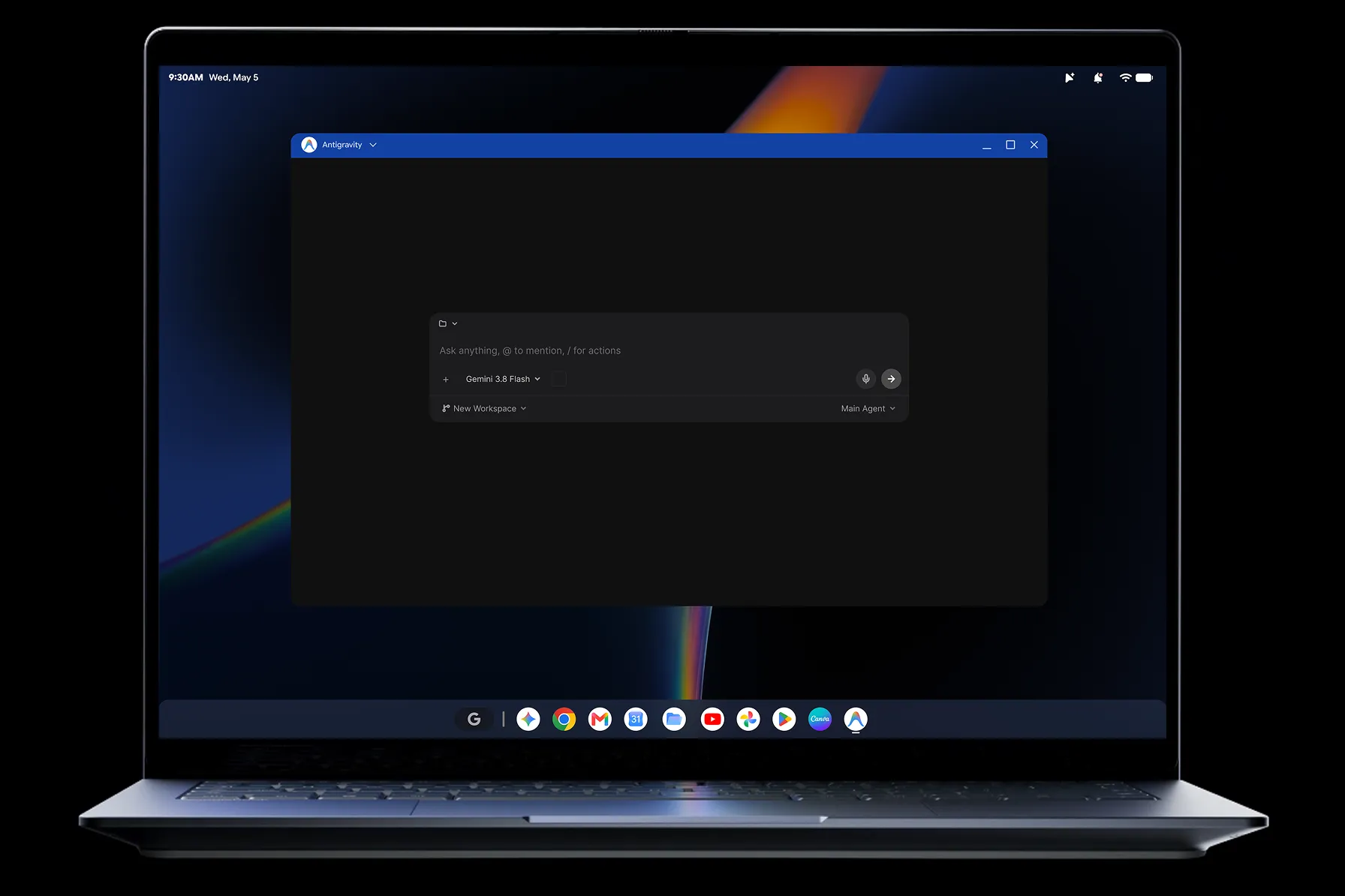
Googlebook includes Antigravity and a Linux terminal environment for development workflows. Source: Google. Used as an official Google product visual for informational/news reporting.
Security is strong on paper, but AI adds a new permission surface
Googlebook inherits several security ideas from ChromeOS, including verified boot-style architecture, on-device malware detection and a Titan hardware root of trust. Google’s platform material refers to Titan C; current Acer and Lenovo U.S. spec sheets specifically list a Titan C2 security module. Biometric options vary by model.
The security story becomes more complicated when AI can act across applications. Magic Pointer, background agents and cross-device features are useful precisely because they can see context and take action. That means permissions deserve the same scrutiny you would give any automation with access to email, files or accounts.
Three practical habits follow from Google’s own caveats: keep AI features scoped to the work you actually need, review sensitive actions before they execute, and treat phishing or “is this safe?” analysis as assistance rather than a security guarantee. Google itself tells users to check AI responses for accuracy.
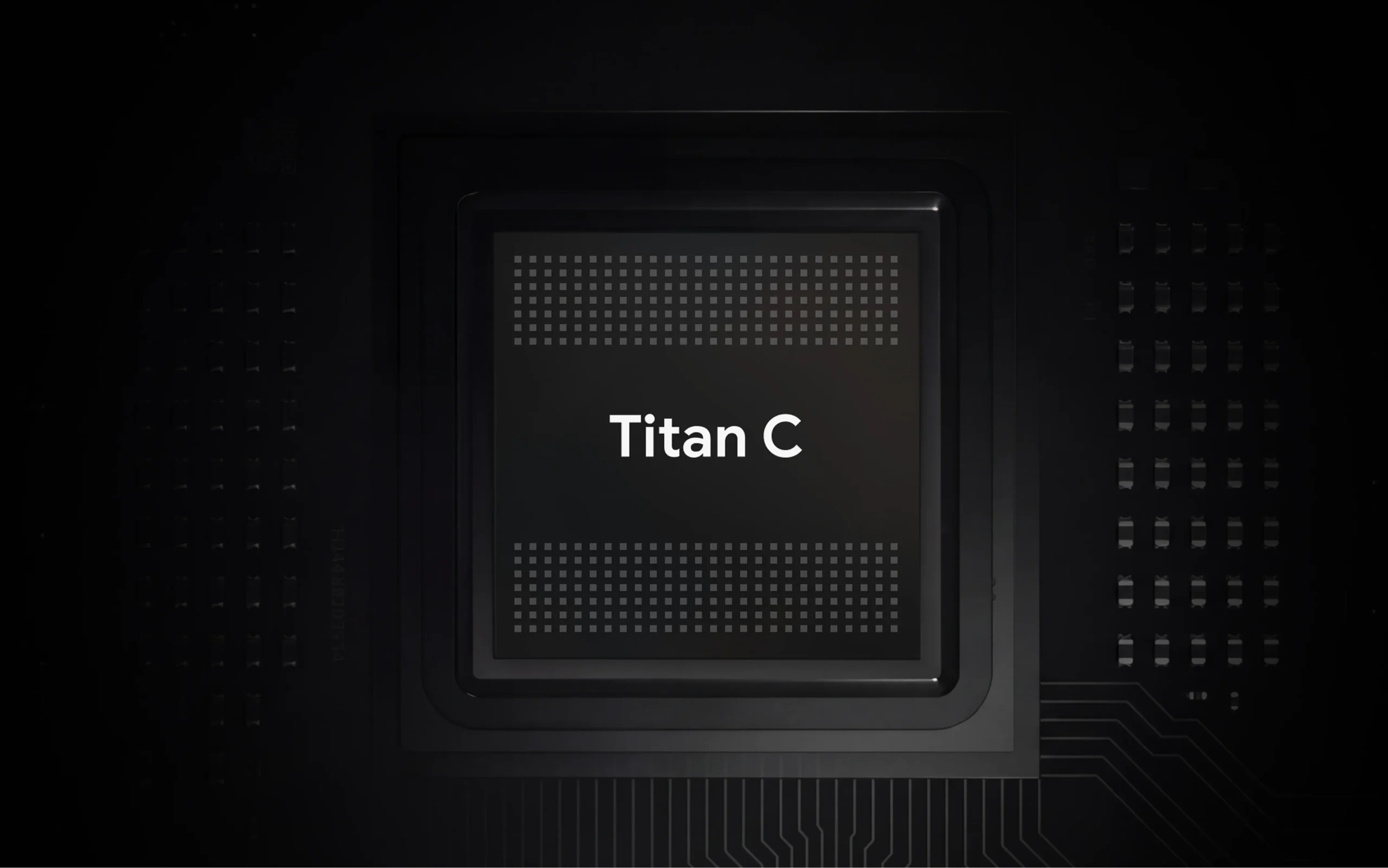
Googlebook’s security architecture includes a Titan hardware root of trust. Source: Google. Used as an official Google product visual for informational/news reporting.
The first-year bundle lowers the effective cost — temporarily
Every Googlebook includes 12 months of Google AI Pro with 5TB of cloud storage, plus limited trials or offers for services such as YouTube Premium, Adobe Photoshop and others. Google values the AI Pro year at roughly $239 in its U.S. Store material.
That is real value only if you would otherwise pay for those services. HP’s offer terms also make the renewal issue explicit: eligible AI Pro subscriptions can convert to the then-current paid monthly rate after the trial unless canceled. Buyers should therefore separate the laptop price from the first-year promotional bundle when comparing long-term cost.
Who should pre-order — and who should wait
| Your situation | What makes sense | Why |
|---|---|---|
| Android-first user, mostly web/cloud apps | Googlebook is worth close consideration | Phone continuity is the platform’s clearest unique advantage. |
| Developer comfortable with Linux | Promising, but wait for workload tests if performance is critical | The terminal and Antigravity are credible; sustained performance and hardware access still need validation. |
| Windows/macOS professional with niche desktop software | Verify every critical app before switching | App compatibility can matter more than CPU or display specs. |
| Older Android phone or iPhone-heavy ecosystem | Wait unless the laptop itself is enough | Android 17 is required for headline continuity features, and iPhone users get less ecosystem benefit. |
Digital Pulse Brief has not tested these laptops. This guidance is based on current first-party specifications, Google’s platform documentation and early independent hands-on reporting. Retail reviews should answer the remaining questions about battery, thermal behavior, app reliability, trackpads, standby and sustained performance.
Googlebook 2026 FAQ
When does Googlebook go on sale?
Pre-orders opened September 21, 2026. Google says retail availability begins October 4 in the U.S. and October 5 in Canada, the U.K., Ireland, France, Germany and Australia.
How much does Googlebook cost?
The platform starts at $899. The Acer Googlebook is listed at $899 on the U.S. Google Store, the XPS Googlebook at $1,199 and the Lenovo Googlebook at $1,349. HP says its Googlebook 14 starts at $1,199.99. Pricing varies by model, retailer and configuration.
Is Googlebook the same as Chromebook?
No. Googlebook is built on the Android technology stack with desktop foundations from ChromeOS. Chromebooks continue to run ChromeOS. Google has positioned the two families as coexisting rather than treating Googlebook as an immediate replacement.
Do you need Android 17?
You need a supported Android phone running Android 17 or later for Googlebook’s headline phone-continuity features, including app casting and cross-device access. The laptop itself does not require you to own an Android phone to function.
Can Googlebook run Windows applications?
Googlebook does not run Windows as its operating system. It supports Chrome/web apps, Android apps and a Linux environment. If you rely on a specific Windows desktop application, confirm an Android, web or Linux alternative before buying.
Bottom line
Googlebook’s most consequential idea is not Magic Pointer or a glowing strip on the lid. It is Google finally treating Android phone ownership as the foundation for a premium laptop ecosystem.
The hardware does not look like the weak link. Acer, Dell, HP, Lenovo and ASUS are shipping serious displays, modern processors, strong battery claims and premium materials. The real test is whether Google and Android developers can make the software feel as complete on a laptop as the hardware already looks.
If your work already lives in Chrome, Android and cloud services, Googlebook has a coherent reason to exist. If you depend on traditional desktop software, the sensible move is to wait for retail reviews and confirm your workflow first. A new operating-system ecosystem earns trust one app, driver and edge case at a time.
Primary sources and further reading
- Google — Googlebook pre-order announcement (September 21, 2026)
- Google — Googlebook hardware overview (September 21, 2026)
- Google — built-in Gemini Intelligence features (September 21, 2026)
- Googlebook official product page
- Google Store — Acer Googlebook specifications
- Google Store — XPS Googlebook specifications
- Google Store — Lenovo Googlebook specifications
- HP — HP Googlebook 14 announcement
- The Verge — early Googlebook Android-integration analysis
- 9to5Google — Googlebook OS hands-on
Image-use record: All article images are first-party Google product visuals from Googlebook’s official site. Google’s published brand guidance permits Google product visuals in informational/news content without separate permission when shown accurately. Digital Pulse Brief has not recreated or modified product UI.
More from Digital Pulse Brief
You May Also Like
AI & AUTOMATION
Gemini 3.8 Live Explained
What Google’s latest voice-agent model changes for developers and AI applications.
BUSINESS TECHNOLOGY
RAMageddon 2026
Why memory prices are changing the economics of phones and laptops this year.
AI & AUTOMATION
ChatGPT Work Gets a Data Agent
How agentic software is moving from answers into everyday knowledge-work tasks.
DIGITAL PULSE BRIEF NEWSLETTER
Get clear AI, technology and business insights in your inbox
Breaking developments, practical explainers, reviews and useful tech intelligence — without the noise.
WHAT TO READ NEXT
What Is an AI PC? NPU, TOPS and Copilot+ PC Requirements Explained  Meta Connect 2026 Day 1: Everything Announced — Meta VR Glasses, Ray-Ban Meta Audio, Gen 3 and Muse Snapdragon Summit 2026 Day 2 Recap: Agentic PCs, Linux, Sound Elite Gen 2 and New Devices
MORE FROM DIGITAL PULSE BRIEF